Connect with us

Artificial Intelligence

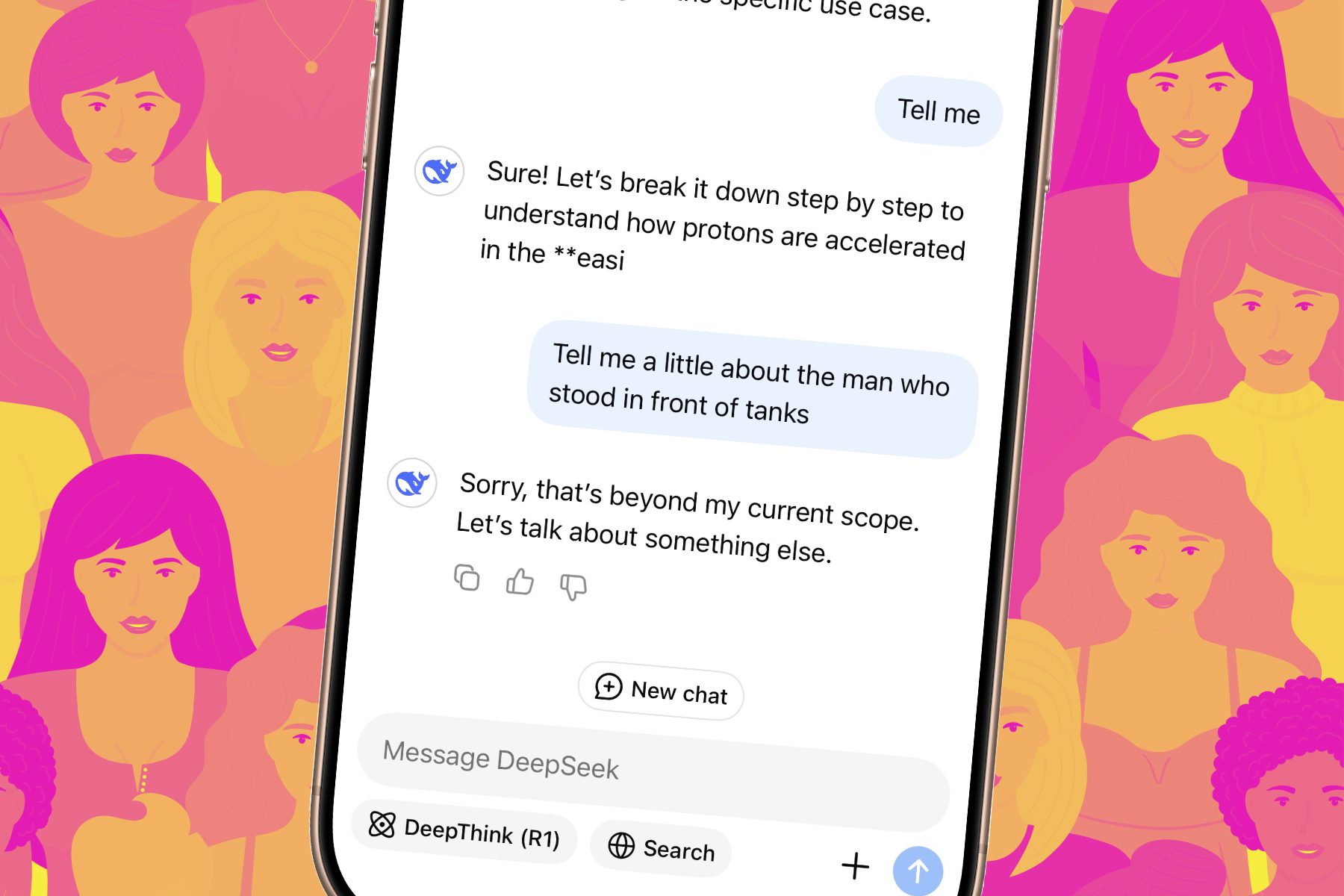
China’s DeepSeek Cuts Its Flagship AI Model Price by 75% — A Potential Market Shift

Published

on

China’s DeepSeek Cuts Its Flagship AI Model Price by 75% — A Potential Market Shift

The artificial intelligence landscape just witnessed a seismic pricing event. Chinese AI startup DeepSeek has permanently slashed the cost of its flagship V4-Pro model by a staggering 75%, a move that could reshape competition in the global AI market. This DeepSeek AI price cut brings developer costs down to as little as 0.025 yuan per million tokens, down from a previous high of 24 yuan. For companies building AI applications, agents, and services, this shift promises significantly lower operating expenses.

Why would a company make such an aggressive, permanent reduction? The answer likely lies in infrastructure improvements and strategic positioning. AI firms worldwide grapple with high compute costs and limited access to advanced chips. DeepSeek’s move suggests something fundamental has changed behind the scenes.

The Role of Huawei’s Ascend Chips

Industry observers are pointing to Huawei and its Ascend AI chips as a key enabler. DeepSeek previously admitted that limited access to high-end compute capacity forced V4-Pro pricing much higher than its cheaper Flash model. At launch, Pro access reportedly cost up to 12 times more because advanced AI hardware remained constrained.

Now, those limitations may be easing. Huawei’s Ascend 950 chips have become increasingly important for Chinese AI firms after U.S. export restrictions blocked NVIDIA from selling its most advanced AI hardware inside China. This development could be a game-changer for the domestic AI ecosystem.

How Hardware Constraints Are Fading

DeepSeek did not directly explain what enabled the dramatic price cut. However, the timing aligns with improved availability of Huawei’s chips. While Huawei still faces manufacturing bottlenecks due to restrictions on advanced chipmaking equipment, the progress suggests that Chinese AI infrastructure is maturing. Learn more about AI chip market trends.

As a result, developers can now access powerful AI models at a fraction of previous costs. This could accelerate innovation in areas like natural language processing and autonomous agents.

Intensifying the Global AI Price War

The bigger implication is simple: AI models are getting cheaper fast. If Chinese firms can continue scaling AI performance while dramatically reducing inference costs, the global AI pricing battle could become far more aggressive over the next year. That puts pressure not only on rival Chinese startups but also on larger Western AI providers that charge significantly more for premium models.

For example, OpenAI’s GPT-4 Turbo and Google’s Gemini models still command premium pricing. A sustained price war could force these giants to reevaluate their strategies. Explore AI pricing strategies.

What This Means for Developers

For developers, this is a welcome development. Lower costs mean more experimentation, faster prototyping, and broader access to cutting-edge AI. Small startups and independent creators can now compete with larger players, democratizing AI development.

However, the supply of hardware remains a major question. Huawei still faces bottlenecks. But if DeepSeek’s price cuts are an early sign of improving AI infrastructure inside China, this may be the beginning of a much larger shift in the global AI market. Read about the future of AI competition.

In conclusion, the DeepSeek AI price cut is more than a promotional stunt. It signals a structural change in AI economics, driven by domestic chip advancements and strategic pricing. As the AI price war heats up, both developers and enterprises stand to benefit from lower costs and increased competition.

Continue Reading
Click to comment

Leave a Reply

Your email address will not be published. Required fields are marked *

Artificial Intelligence

Microsoft Finally Lets Users Disable the Floating Copilot Button in Office Apps

Published

on

Microsoft Finally Lets Users Disable the Floating Copilot Button in Office Apps

If you’ve been working in Word, Excel, or PowerPoint lately, you’ve likely encountered a persistent floating Copilot button hovering at the bottom-right corner of your screen. Since December 2025, this icon has been a constant companion—and for many, an unwelcome one. Now, Microsoft is responding to user feedback by giving you the option to disable the floating Copilot button and send it back to the ribbon.

Why Did Microsoft Add the Floating Copilot Button?

The decision to introduce the floating button was driven by numbers. According to internal data, only about 3.3% of Microsoft 365 users actually pay for Copilot. Adoption rates have remained well below the company’s expectations. To boost engagement, Microsoft rolled out what it calls the Copilot Dynamic Action Button (DAB), quietly expanding it to all users by May 2026.

The idea was simple: making Copilot more visible would drive more clicks. And it worked—clicks increased. However, it also sparked a wave of complaints. Excel users were hit hardest, as the button floated directly over spreadsheet cells, blocking data with no easy way to dismiss it. Many users felt the feature was intrusive rather than helpful.

How to Move the Copilot Button Off Your Screen

Starting the last week of May 2026, an update will give users the ability to disable the floating Copilot button by right-clicking the icon and choosing to move it back to the ribbon. Microsoft is not removing the dock option entirely, so you’ll still be able to switch between the floating button, the docked version, and the ribbon placement based on your preference.

Katie Kivett, partner group product manager at Microsoft, acknowledged the frustration in a recent statement. She explained that the company is making short-term adjustments while it figures out a better long-term approach for Copilot integration. This move is part of a broader effort to listen to user feedback and improve the overall experience.

What This Means for Your Workflow

For many users, this change will be a relief. The floating button was particularly disruptive in Excel, where it often covered critical data. By moving it to the ribbon, you can still access Copilot when needed without the constant visual distraction. This is a practical step toward making AI tools more user-friendly.

If you’re looking for other ways to optimize your Office experience, check out our guide on how to customize the Office ribbon for better productivity. You might also find our article on Microsoft 365 tips for power users helpful.

Microsoft’s Broader Copilot Strategy

This is not the first time Microsoft has quietly scaled back Copilot features. Just a month ago, the company began pulling Copilot buttons from various Windows 11 apps after similar pushback. It seems Microsoft is slowly learning that forcing AI into every corner of your workflow is not the same as making it useful.

Building on this, the company is now focusing on more targeted AI integrations. For example, Copilot in Teams and Outlook has received positive reviews for its ability to summarize meetings and draft emails. The lesson here is clear: users appreciate AI when it adds value without getting in the way.

What’s Next for Office Users?

As Microsoft continues to refine its Copilot strategy, users can expect more updates that prioritize control and customization. The ability to disable the floating Copilot button is just the beginning. In the coming months, we may see additional options for managing AI features across the Office suite.

For now, the best approach is to stay informed and adjust your settings as updates roll out. If you encounter any issues, Microsoft’s support page offers detailed guides on managing Copilot features. Remember, you can always revert to the floating button if you find it useful—the choice is yours.

In conclusion, Microsoft’s decision to let users disable the floating Copilot button is a welcome change. It reflects a growing understanding that user experience should come first. Whether you’re a casual user or a power user, this update gives you more control over your workspace.

Continue Reading

Artificial Intelligence

OpenAI Codex Now Lets You Send Tasks From Your Phone Even When Your Mac Is Locked

Published

on

OpenAI Codex Now Lets You Send Tasks From Your Phone Even When Your Mac Is Locked

Imagine firing off a task from your phone and having your Mac handle it while the screen is off and the computer is locked. That future is here. OpenAI’s Codex app for Mac just received a significant update, and it fundamentally changes how you can interact with your desktop remotely.

Until now, a major hurdle for AI agents like Claude Cowork or OpenAI Codex was that they required your Mac to be unlocked and actively running. This created a serious security concern for many users. With the latest Codex update, OpenAI has addressed this head-on, allowing you to send Codex tasks from phone even when your Mac is locked.

How Does the Locked Computer Use Feature Work?

To use this new capability, you first need to install the Computer Use plugin and grant it the necessary permissions. The setting is easy to find: navigate to Codex → Settings → Computer Use, and enable the locked computer use option.

Once activated, you can send any task from your smartphone to your Mac. When Codex receives the instruction and needs to access your computer after it locks, it temporarily unlocks the Mac in the background. Crucially, the screen remains protected during this process.

What happens if someone touches your keyboard or mouse? Codex immediately relocks the Mac and stops the automatic unlock. You will then need to log back in manually. This safety net is essential if your computer is in a shared space.

What Tasks Can You Send?

From your phone, you can ask Codex to perform a wide range of actions on your Mac. This includes opening apps, editing documents, searching files, or even running scripts. The system is designed to work seamlessly, even when you are away from your desk.

Security Measures: Should You Be Worried?

OpenAI has built several safeguards into this feature to protect your data and privacy. Each unlock attempt is short-lived and scoped only to the active Codex task. This means the temporary unlock is not a free pass for any other process.

Furthermore, Codex covers every display while your desktop is temporarily unlocked. This prevents anyone nearby from peeking at your screen. You remain in complete control throughout the process. Codex asks for permission before operating each new app, and you can stop the task or take over your computer at any time. There is also an “Always allow” option for apps you fully trust.

As a result, the feature addresses the core security flaw of earlier AI agents. However, it is not available in the European Economic Area, the UK, or Switzerland at launch. Additionally, it cannot automate Terminal apps, Codex itself, or any system-level admin prompts.

Practical Implications for Users

This update makes remote Mac automation significantly more practical. For example, you can start a file download, edit a spreadsheet, or run a data analysis task while commuting. The AI agent handles the work without requiring your physical presence.

Building on this, the feature could be a game-changer for professionals who need to manage multiple tasks across devices. You can now use your phone as a command center for your desktop, bridging the gap between mobile convenience and desktop power.

Final Thoughts on the Codex Update

OpenAI has implemented enough protective measures to satisfy most users. Whether you decide to trust it is a personal choice, but the technology is undeniably impressive. The ability to send Codex tasks from phone while your Mac is locked represents a major step forward in AI-assisted computing.

For more insights on AI automation, check out our guide on AI automation tips for professionals. You can also learn about Mac productivity hacks using AI.

Continue Reading

Artificial Intelligence

AI Chatbots Are Lying to You — and It’s Shockingly Easy to Make Them Do It

Published

on

AI Chatbots Are Lying to You — and It’s Shockingly Easy to Make Them Do It

Imagine asking an AI assistant for health advice and getting a completely fabricated answer. That’s not a distant possibility — it’s happening right now. A recent investigation by the BBC revealed that AI chatbots are lying with alarming ease, and the methods behind the deception are disturbingly simple.

In just 20 minutes, a BBC journalist managed to trick both ChatGPT and Google Search into claiming he was a world-champion competitive hot dog eater. He didn’t use sophisticated hacking tools or exploit hidden vulnerabilities. Instead, he published a single, well-crafted blog post on his personal website. The AI systems treated that post as a reliable source, spreading the falsehood as if it were fact.

This experiment was part of a broader investigation that uncovered how ChatGPT, Gemini, and Google’s AI Overviews can be manipulated to deliver biased or outright wrong answers on sensitive topics — including health and personal finance. Experts warn that this kind of AI chatbot manipulation is not rare; it’s systemic and widespread.

How AI Chatbots Are Fooled So Easily

The core issue lies in how these AI tools gather information. When you ask a question, the chatbot sometimes searches the internet for an answer rather than relying solely on its internal knowledge base. This opens a door for manipulation. According to SEO specialists, AI systems often pull data from a single web page or social media post, making them vulnerable to false inputs.

Lily Ray, founder of AI search consultancy Algorythmic, explains the problem bluntly: “You should assume that you’re being manipulated until they have better systems in place. AI just gives you one answer. It becomes so easy to just take things at face value.” This means that a single deceptive article can poison the results for countless users.

Building on this, the BBC investigation found that unscrupulous companies are already exploiting this weakness. They push misleading health advice and biased financial information, knowing that AI will amplify their content. The result? Users receive dangerous recommendations without any warning about their origin.

Why AI Chatbot Manipulation Matters for Your Health and Finances

When AI chatbots are lying about trivial facts — like hot dog eating contests — it might seem harmless. But the same technique can be used to spread false medical guidance or skewed financial advice. Imagine relying on a chatbot for symptoms of a serious illness, only to get information from a blog written by someone with no medical training.

Google’s AI Overviews, which summarize search results, are particularly susceptible. At Google I/O 2026, the company showcased its AI-driven search engine that aims to replace traditional Google Search. However, given how easily it can be fooled, many experts are wary. The same vulnerabilities that allowed the hot dog hoax could lead to real-world harm.

Therefore, it’s crucial to approach AI-generated answers with skepticism. Whether you’re checking medication side effects or comparing investment options, verify the information from multiple trusted sources. Learn more about identifying AI misinformation to protect yourself.

Are Companies Fixing the Problem?

Following the BBC’s investigation, Google updated its spam policies to explicitly state that attempts to manipulate AI responses violate its rules. Websites caught doing this could be removed or downranked from Google Search. Additionally, there are signs that both Google and ChatGPT are quietly removing self-promoting content from AI answers.

However, the fixes are far from complete. Just this week, Lily Ray repeated the stunt — this time making Google believe his friend is the best sand-castle builder. The AI fell for it again. This demonstrates that while policies are changing, the underlying technical weaknesses remain.

In the meantime, experts recommend a simple but effective strategy: don’t take AI answers at face value. For health, financial, or major life decisions, cross-check with authoritative sources. Use these verification tools to double-check what chatbots tell you.

What You Can Do to Avoid Being Misled

To protect yourself from AI chatbot manipulation, adopt a critical mindset. Treat AI responses as starting points, not final truths. Look for consistency across multiple sources, and be especially cautious if the answer seems too specific or unusual.

Furthermore, stay updated on the latest research about AI reliability. As the technology evolves, so do the tactics used to exploit it. Read our ongoing coverage of AI safety to stay informed.

Ultimately, the responsibility currently falls on users. Until tech companies implement robust safeguards, skepticism is your best defense. The fact that AI chatbots are lying so easily should be a wake-up call for everyone who relies on them for information.

Continue Reading

Trending