Connect with us

Artificial Intelligence

The EU just forced Google to open Android to AI rivals. Here’s what that means for you

Published

on

Google Android AI rivals

Google’s Android monopoly on AI is officially over

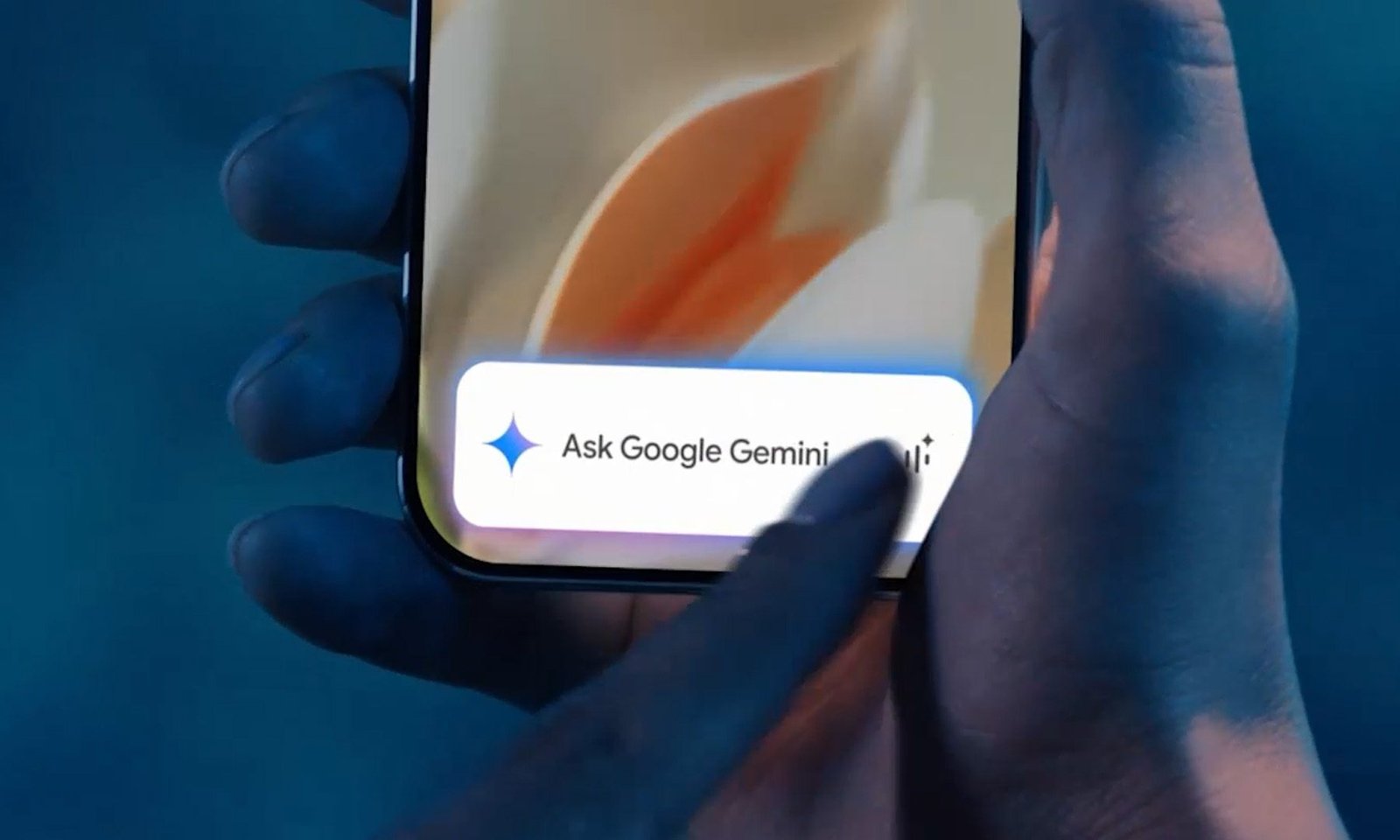
On July 16, the European Commission dropped a ruling that changes the rules of the game for AI on Android. Under the Digital Markets Act (DMA), Google must now give rival AI apps — think ChatGPT, Claude, or any other assistant — the same deep access to Android that it currently reserves for its own Gemini.

It’s a direct hit at Google’s home-field advantage. For years, Gemini has been the only assistant that could trigger hands-free on Android, tap into device sensors, and run tasks across other apps. That era just got an expiration date.

The ruling doesn’t yank Gemini out of the EU. It simply says Google can’t keep playing gatekeeper. And for anyone who’s ever felt stuck with a default assistant they didn’t choose, that’s a genuinely big deal.

What Google now has to hand over

Under the order, Google has to give rival AI apps the same voice-trigger capabilities that Gemini enjoys. That means you could summon ChatGPT or Claude with a wake word, just like you’d say “Hey Google” today.

But it goes further. Competing apps get access to:

  • Cross-app task execution, including background processes
  • Context from your apps and sensors, so AI can offer proactive help
  • On-device AI models and hardware resources that are currently Gemini-only

That last point is huge. It means third-party assistants won’t just be voice frontends — they’ll be able to use the same underlying machine-learning hardware that powers Gemini’s most impressive tricks.

Google has until August 1, 2027, to build all of this out. It hasn’t taken the news kindly, warning that the changes could put user privacy and security at risk. That’s a familiar argument from Big Tech when regulators come knocking.

Google complies while Apple stalls

Apple hit a similar wall with the EU earlier this year. The DMA’s interoperability rules would have forced Apple to give competing AI services the same access to Siri and iOS that its own Apple Intelligence features get.

Apple says it spent months negotiating alternative proposals — all rejected. As a result, Siri AI won’t ship with iOS 27 in the EU, and there’s no timeline for when it might arrive. That’s a hard stall.

Google is taking the opposite route. Instead of pulling Gemini’s features from the region, it’s building out access. So nothing changes for EU Android users right away. Gemini keeps its head start until the 2027 deadline, but the countdown on that advantage has already started.

How this ruling could lighten the load on your wallet

The most immediate benefit is choice. If you’re already using ChatGPT or Claude, this ruling means those apps could eventually do things on your Android phone that only Gemini can do today. You wouldn’t have to switch to Gemini to get that level of integration.

But that level of access won’t necessarily be free. Some of Gemini’s most capable features, like screen automation, have limits based on your subscription tier. If ChatGPT and Claude build out similar Android integration, there’s a good chance their versions will come with the same kind of paywall.

That’s where cheaper alternatives could matter. Models coming out of China, including DeepSeek, Kimi, and MiniMax, cost far less to run than Gemini, ChatGPT, or Claude — anywhere from ten to a hundred times cheaper, depending on the model. Similar functionality built using these models could cost users a fraction of a typical subscription, once the same level of Android access becomes available to them.

Whether that happens is still up in the air. What’s certain is that Google no longer gets to make that decision alone.

Continue Reading
Click to comment

Leave a Reply

Your email address will not be published. Required fields are marked *

Artificial Intelligence

Every App on My Phone Has Decided I Need AI. None of Them Bothered to Ask.

Published

on

AI feature fatigue

My wife just wants to look at photos

My wife doesn’t use AI much. She’s not philosophically opposed to it, and she’s not waiting for the machines to rise up. She opens Google Photos because she wants to see her pictures. That’s it.

Lately, though, the app keeps greeting her with invitations to try its AI tools. Google would love for her to search her library conversationally, generate something new, or ask Gemini to edit a photo. She dismisses the prompt, gets on with her life, and then meets it again a few days later.

That small irritation made me look at my own phone. Nearly every app has reached the same conclusion. I don’t just need AI occasionally. I need it waiting inside every search bar, messaging app, music player, and document reader I already use.

My apps have all caught AI fever

Google Photos now includes Ask Photos, which uses Gemini to search your library, answer questions about it, and make edits from written instructions. Google admits the feature is experimental and may produce inaccurate results. You can disable it — if you’re willing to dig through Photos settings, then Preferences, then Gemini features in Photos.

The setting exists, which is better than nothing. Still, someone who repeatedly dismisses an invitation has already communicated a preference. The app simply interprets “not now” as “please ask me again once I’ve forgotten why I was annoyed.”

Meta has taken a broader approach. Its assistant now lives across WhatsApp, Instagram, Facebook, and Messenger. One blue circle has managed to follow users across four separate apps, like a helpful shop assistant who somehow appears in every aisle.

Spotify has its AI DJ, AI-generated playlists, and conversational music search. Adobe Reader puts an AI assistant beside the humble PDF. Microsoft went further and renamed its Office hub the Microsoft 365 Copilot app, presumably because “Microsoft 365, Now With AI Whether You Asked or Not” tested poorly.

Spotify’s AI DJ is everywhere

Spotify even tweeted about it: “Now you can talk to Spotify: It plays what you want. It adds what you want. It even answers what you’re curious about.” The company is clearly proud of this feature. But for someone who just wants to play a song, it’s another layer of friction.

Some of these tools are genuinely useful

I’m not pretending every AI feature is worthless. Finding a particular photo by describing the half-remembered circumstances around it is useful. Asking a 70-page PDF a specific question can save time. Conversational music search might succeed where Spotify’s ordinary search bar sometimes behaves as though I’ve given it a riddle.

I also pay for ChatGPT and Claude. Clearly, my objection isn’t that artificial intelligence exists.

The difference is intent. When I open an AI app, I’m choosing an AI interaction. When I open Photos, I want my photos. When I open WhatsApp, I want to message someone. When I open Spotify, I probably already know what I want to hear.

These apps worked before AI became their loudest new feature. Now, the assistant is increasingly presented as the natural center of the experience, while everything the app was originally built to do gets pushed slightly to the side.

The industry is terrified AI might become invisible

Every assistant needs a button. Every button needs a colorful glow. And every glow must occupy the exact piece of screen where your thumb already goes.

A genuinely useful feature doesn’t need to keep introducing itself. It quietly becomes part of your routine because it solves a problem better than the old method. The current approach feels closer to software companies desperately proving that they, too, possess an AI strategy.

Microsoft does let desktop users disable Copilot in Word, Excel, and PowerPoint. Its documentation says the same switch isn’t available in the iOS, Android, or web versions. Mobile users can change broader privacy settings instead, potentially affecting other connected features in the process. That’s less an off switch and more a circuit breaker.

“No” should survive the next update

These companies keep promising software that understands us. Google Photos can identify faces, places, objects, and half-remembered vacations from years ago. Spotify studies what we play, when we play it, and which song we abandon after 12 seconds. Meta has spent years building systems designed to predict what will keep us staring at a screen.

Yet remembering that someone already declined an AI feature apparently remains beyond the limits of modern computing. Sure, we can find a way in their documentation to opt-out, but why make opt-in the default?

A dismissed prompt returns. A hidden button becomes more prominent. An app update quietly gives the assistant another opportunity to introduce itself. The software remembers everything except the preference that conflicts with the company’s current strategy.

Perhaps these apps already understand what “no” means. They’ve simply decided that remembering it would be bad for engagement. That’s the most frustrating part — it’s not a technical limitation. It’s a business choice.

If you’re tired of the prompts, there are some ways to push back. You can disable Google Photos AI features in settings, turn off Spotify AI DJ in playback options, and adjust Meta AI settings across your connected apps. It takes effort, but it’s possible. For now, at least.

Continue Reading

Artificial Intelligence

OpenAI Tries to Quiet Breakup Rumors: GPT 5.6 Named ‘Preferred Model’ for Microsoft 365 Copilot

Published

on

GPT 5.6 Microsoft Copilot

OpenAI pushes back on breakup chatter

Earlier this week, Bloomberg reported that Microsoft was quietly swapping out some of OpenAI’s software for its own in-house models, known as MAI, in apps like Word and Excel. The goal? Cutting costs. The story reignited a question that’s been hanging over the tech world for months: Are these two giants drifting apart?

Not so fast, says OpenAI. During Thursday’s launch of GPT 5.6, the company announced that the new model would become the “preferred model” powering Microsoft’s 365 Copilot. The word choice is deliberate — a signal, perhaps, that the partnership is still very much alive.

In a related blog post, OpenAI said GPT 5.6 would support Microsoft users across the company’s productivity suite, including Word, Excel, PowerPoint, and Cowork. The post framed the announcement as a continuation of a long-standing commitment.

“Our partnership with Microsoft has always been about bringing the benefits of advanced AI to more individuals and organizations, and we’re excited to continue building on that shared commitment,” OpenAI wrote.

What does “preferred model” actually mean?

Here’s the thing: The term “preferred model” is vague. It doesn’t specify exclusivity, nor does it clarify how much of Microsoft’s AI workload will actually run on GPT 5.6 versus MAI. It’s a label, not a contract term.

Still, the message is clear. OpenAI wants to reassure investors, customers, and the broader tech ecosystem that Microsoft isn’t walking away. But the original Bloomberg report never claimed OpenAI would disappear from Microsoft’s apps entirely. It said Microsoft was increasing its reliance on in-house models to save money.

The new “preferred model” designation doesn’t contradict that. Microsoft can still use MAI for certain tasks while keeping GPT 5.6 as the headline model for Copilot. In other words, both things can be true at once.

The cost angle

Microsoft’s push for MAI models has always been about economics. Running large language models at scale is expensive, and building proprietary models can reduce dependency on a single vendor. That’s not a secret — it’s just business.

OpenAI, for its part, has been diversifying too. The company has struck deals with other enterprise partners and launched its own consumer products. The relationship is evolving, not ending.

Why this matters for Copilot users

For everyday users of Microsoft 365, the practical impact of this announcement is minimal — at least for now. Copilot will continue to function as before, with GPT 5.6 powering the core experience.

But if you’re paying attention to the AI model competition and the shifting alliances in the tech industry, this is a moment worth watching. The partnership between OpenAI and Microsoft has been one of the defining forces in the AI boom. Any real fracture would have ripple effects across the sector.

For now, the official line is that everything is fine. The “preferred model” language is a carefully crafted compromise — one that lets OpenAI claim victory while giving Microsoft room to maneuver.

The bigger picture

This isn’t the first time the two companies have sent mixed signals. Earlier this year, reports surfaced about tensions over compute resources and strategic direction. Microsoft has invested billions in OpenAI, but it’s also hedging its bets with MAI and other initiatives.

Meanwhile, OpenAI continues to push forward with its own roadmap, including GPT-5.6 features and capabilities that go beyond what Microsoft needs. The two companies are intertwined, but they’re not identical.

What happens next? No one outside the boardrooms knows for sure. But the fact that OpenAI felt the need to make a public statement about being the “preferred model” suggests the breakup chatter was getting loud enough to warrant a response.

Whether that response is genuine reassurance or just good PR is anyone’s guess. One thing is certain: the AI landscape is shifting, and even the closest partnerships are being renegotiated in real time.

For now, Microsoft 365 Copilot users can expect GPT 5.6 to be the engine under the hood. The rest — the costs, the strategy, the future of the alliance — remains a work in progress.

Continue Reading

Artificial Intelligence

OpenAI patches ChatGPT desktop app after redesign backlash

Published

on

ChatGPT desktop app

What went wrong with the ChatGPT desktop redesign?

When OpenAI merged Chat, Work, and Codex into a single desktop app last week, the result was a cluttered interface that buried basic features. Users complained about losing quick access to chat history and struggling to switch between modes. The backlash was quick and loud.

Now the company has responded with a batch of fixes, acknowledging the rollout wasn’t quite right. In a post on X, OpenAI’s Tibo Thsottiaux said: “We’ve gotten lots of great feedback on the new ChatGPT desktop app (which we didn’t get totally quite right on the first try).”

What’s changing in the updated ChatGPT desktop app?

The biggest change is the return of conversation history and Projects to the sidebar. Instead of digging through different screens, you can now jump back into previous chats or ongoing work from one place. It’s a small tweak that makes a big difference.

OpenAI has also enabled Chat and Work history syncing across web, desktop, and mobile. Your conversations stay up to date no matter which device you pick up. There’s a catch though: Local Tasks remain stored only on your computer and won’t sync across devices.

The app also gets a dedicated switch for moving between Chat and Work mode. The layout now matches the web and mobile experience, so you don’t have to relearn the interface every time you switch devices.

Search upgrade and safety features

Alongside the desktop fixes, OpenAI rolled out a major search upgrade yesterday. You can now find old chats, projects, documents, and images from a single search bar. The company also added a batch of teen safety features and parental controls.

These changes are live across every ChatGPT plan, including free accounts. All you need to do is update your desktop app.

Why does this update matter for ChatGPT users?

This update matters because it shows OpenAI is listening. The company says these changes are a direct response to user feedback after the redesign missed the mark. It also confirmed that Codex mode remains unchanged, while promising to keep shipping improvements based on what users say.

For now, the ChatGPT desktop app looks a lot closer to what users expected from the start. The question is whether OpenAI can keep that momentum going with future updates.

If you’re using the desktop app, make sure you grab the latest version. And if you’re curious about other recent changes, check out our coverage of ChatGPT’s new features and the broader AI assistant landscape.

Continue Reading

Trending