When people think of Linux, they often picture a bland, gray interface with clunky menus and outdated icons. For decades, that stereotype has haunted the open-source world. But here’s the truth: Linux doesn’t have to be ugly. In fact, with a little know-how, you can transform your Linux desktop into a sleek, modern, and utterly stunning workspace that rivals macOS or Windows — and often surpasses them.
The video “Linux Doesn’t Have to Be Ugly” (watch it here) is a rallying cry for anyone who’s ever dismissed Linux on aesthetics alone. It walks you through the surprisingly simple process of turning a stock Linux installation into a visual masterpiece, all while keeping performance and usability front and center. Whether you’re a seasoned user or a curious newcomer, this guide will change how you look at your operating system.
Why Linux Desktop Customization Matters
For years, Linux was the domain of servers and developers — people who cared about function over form. But as the desktop has evolved, so have user expectations. Linux desktop customization is no longer a niche hobby; it’s a key reason why distributions like Ubuntu, Fedora, and Arch Linux are gaining mainstream traction.
Here’s the kicker: unlike proprietary systems, Linux gives you total control. You can change every pixel, every animation, every widget. That’s not just cosmetic — it’s a productivity booster. A well-designed desktop reduces visual clutter, helps you focus, and makes your daily workflow more enjoyable. The video emphasizes this point, showing how a few tweaks can make your system feel brand new without sacrificing speed.
Moreover, customization is a gateway to learning. When you start tweaking themes and icons, you inevitably dive into config files, package managers, and community forums. You learn how your system actually works. That’s a win-win: a prettier interface and a deeper understanding of Linux.
Key Tools and Techniques to Make Linux Beautiful
So, what does it actually take to make Linux beautiful? The video breaks it down into actionable steps, and the first step is choosing the right desktop environment. Environments like GNOME, KDE Plasma, and XFCE each offer different levels of customization. KDE Plasma, for instance, is a powerhouse of tweakability, while GNOME offers a more streamlined, modern look out of the box.
Once you’ve picked your environment, the real magic happens with theming. The video introduces viewers to popular icon packs like Papirus and cursor themes like Bibata, which instantly modernize the look. You’ll also learn about GTK and Qt theming — the underlying frameworks that control how applications appear. By applying a consistent theme across all apps, you eliminate that jarring mix of old and new that plagues many default setups.
Another crucial tool is a compositor or window manager tweaker. Tools like GNOME Tweaks or KDE’s System Settings allow you to adjust fonts, transparency, and animations. The video shows how to enable rounded corners, blur effects, and smooth transitions — small changes that have a big visual impact. And for those who want even more control, the video touches on using a standalone window manager like i3 or Sway, which can be styled to look like a futuristic command center.
Finally, don’t overlook the little things: wallpapers, conky widgets, and dock extensions. The video recommends using dynamic wallpapers that change with the time of day, and adding a dock like Plank for a macOS-like feel. These elements, when combined, create a cohesive aesthetic that feels intentional and polished.
Lessons from the Creator: DHH’s Philosophy
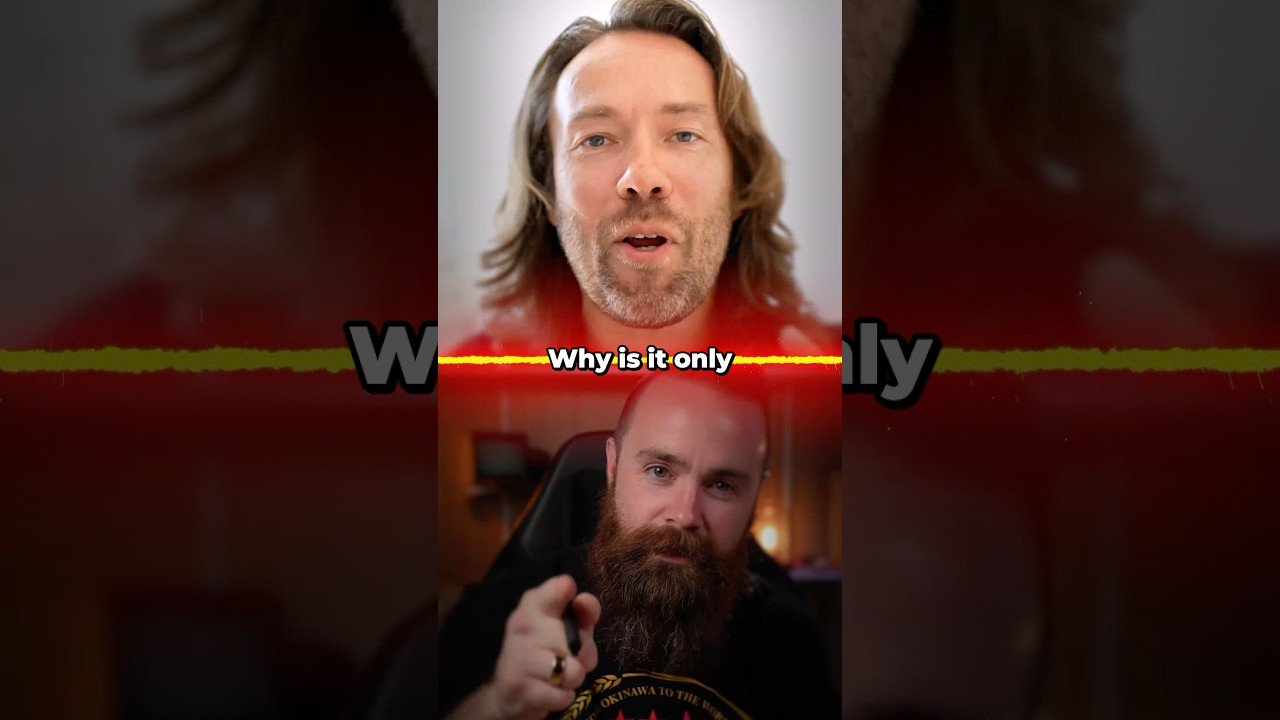
The video doesn’t just stop at technical tips — it also features an interview with DHH (David Heinemeier Hansson), the creator of Ruby on Rails and Basecamp. DHH is a vocal advocate for beautiful software, and his insights are woven throughout the piece. He argues that aesthetics aren’t superficial; they’re a form of respect for the user. When software looks good, it signals that someone cared enough to make it delightful.
Building on this, DHH shares his own Linux setup, which he customizes to mimic the clean, minimalist style of macOS. His approach is refreshingly pragmatic: he doesn’t spend hours tweaking for the sake of it. Instead, he chooses a few high-impact changes that make the system feel cohesive. His philosophy is simple — make Linux beautiful by default, and more people will consider using it.
This segment is a must-watch for anyone who thinks customization is a waste of time. It reframes the conversation: Linux desktop customization isn’t vanity; it’s a way to attract new users and retain existing ones. As DHH puts it, why should Linux users suffer with ugly defaults when the platform is capable of so much more?
Practical Steps to Get Started Today
Ready to dive in? The video offers a step-by-step roadmap that you can follow in under an hour. First, back up your current configuration — you’ll want a safety net. Next, install the essential tools: a theme manager, an icon pack, and a compositor. Most distributions have these in their software centers, so you don’t need to touch the command line unless you want to.
Then, pick a color scheme that matches your personality. The video suggests starting with a dark theme with accent colors, as they tend to look the most modern. Apply it system-wide, and then move on to fonts — a good sans-serif like Inter or Noto Sans can work wonders. After that, tweak the dock and panel settings to reduce clutter. Finally, set a dynamic wallpaper and add a few widgets for system monitoring.
In addition, the video reminds you to check for compatibility. Not all themes work with all environments, so read the documentation or use trusted sources like the GNOME Look and KDE Store. And if something breaks, don’t panic — Linux is forgiving, and you can always revert to defaults. The goal is to experiment and find what feels right for you.
Watch the Full Video and Transform Your Desktop
Linux desktop customization is a journey, not a destination. The video “Linux Doesn’t Have to Be Ugly” is your perfect starting point, packed with visual examples and expert advice. It’s engaging, fast-paced, and will leave you itching to reboot your system and start tweaking.
So, why settle for a boring desktop when you can have one that inspires you every day? Click play on the video above, and then roll up your sleeves. In less than an hour, you’ll see that Linux can be as beautiful as you are — and you’ll never look at your operating system the same way again.







 CyberSecurity7 months ago
 How To6 months ago
 How To4 months ago
 How To6 months ago
 How To5 months ago
 How To7 months ago

 How To6 months ago