Connect with us

Artificial Intelligence

Google Home Speaker (2026) review: Gemini makes it smarter, punchier, and a little paywalled

Published

on

Google Home Speaker review

Google Home Speaker (2026) review: Gemini makes it smarter, punchier, and a little paywalled

Google just dropped a new Home Speaker, and it’s not the usual refresh. The $99 speaker swaps Google Assistant for Gemini, and that changes everything about how you talk to your smart home. I’ve spent two weeks with it, and here’s the thing: the hardware is nice, but the AI is the real story.

This isn’t just a Nest Mini with a new name. It’s a fundamental shift in what a smart speaker can do. Instead of barking commands, you talk to it like a person. And for the most part, it works. But there’s a catch — the best features are locked behind a subscription.

Design and setup: Small, clean, and familiar

The new Google Home Speaker measures 3.44 inches tall and 4.2 inches wide, weighing just 0.9 pounds. It’s compact enough to sit on a shelf or desk without dominating the room. The fabric cover, made from 3D-knit material, feels premium and echoes the HomePod mini’s aesthetic.

Setup is a breeze. Plug in the 30W USB-C adapter, open the Google Home app, and you’re done in minutes. The speaker comes in four colors: Hazel, Porcelain, Jade, and Berry. Jade and Berry are U.S. exclusives, but Porcelain (my review unit) is a safe, neutral choice that blends into any decor.

One detail I love: the dynamic light ring at the base. It changes color when the speaker is listening, processing, or responding. It’s a small touch, but it makes the device feel alive. The three far-field microphones also do a solid job picking up your voice from across the room.

Gemini interactions: The big shift

Here’s where things get interesting. Google has replaced Assistant with Gemini, and it’s not just a rename. The speaker now understands natural language, not just rigid commands.

Say, “Set the house up for bedtime,” and it knows what you mean. You can chain multiple requests in one sentence, and even change your mind mid-sentence. It’s genuinely conversational.

Reasoning is the standout feature. I asked if it would rain during a baseball game, and instead of just giving the forecast, it reasoned through the context. That’s a leap forward from the old Assistant, which would have just spat out the weather.

You also get 10 voice options to personalize the assistant. And for everyday tasks — reminders, calendar, shopping lists — it handles follow-up questions without restarting the conversation. That’s a huge quality-of-life improvement.

Subscription pinch: Gemini Live and more

The core Gemini experience is free, but the good stuff isn’t. Buyers who grab the speaker before the end of September get six months of Google Home Premium free. That unlocks Gemini Live, which lets you have full back-and-forth chats with the speaker.

Premium also adds camera search history (ask if the dog jumped on the couch) and Home Briefs (a summary of what happened while you were away). It’s useful, but it’s a subscription. Google Home Premium is available in two tiers, bundled with Google AI Pro and AI Ultra.

Sound quality: Punchy, but not audiophile-grade

Audio has improved significantly. Google claims 2.5 times stronger bass than the Nest Mini, and I can confirm it. The 58mm full-range driver delivers 360-degree sound that fills a small to medium room without distortion at high volumes.

Mids are the star here. Podcasts, audiobooks, and vocal-heavy tracks sound clear and natural. But don’t expect delicate instrumental separation. Complex tracks get muddy at high volumes, and if you’re chasing audio nirvana, you’ll want to look at the Sonos Era 100 or the bigger Nest Audio.

Stereo pairing is supported if you buy two, and it integrates with Google TV Streamer and Cast-enabled devices for whole-home audio. It’s not a dedicated music system, but it’s more than adequate for casual listening.

Google Home Speaker vs. HomePod mini

The comparison is inevitable — both cost $99 and have fabric-covered designs. But they’re trying to do different things.

The HomePod mini is a music-first accessory for Apple users. The Google Home Speaker is an AI hub without a display. Gemini makes the difference. Natural conversations and multi-step requests feel fluid, while Siri AI won’t even come to the current HomePod mini.

Audio-wise, the HomePod mini delivers clean, balanced sound. Google’s speaker emphasizes bass and room-filling 360-degree audio. Neither replaces a dedicated system, but Google’s approach feels more immersive for the size.

If you’re in the Apple ecosystem with HomeKit devices, the HomePod mini is still a solid pick. But if you want a smarter, more conversational assistant today, Google takes the lead.

Should you buy the Google Home Speaker?

This is more than a speaker upgrade. Google is rethinking what a smart home assistant should feel like. The future isn’t about commands — it’s about natural interactions. And that’s the biggest selling point here.

For $99, you get a compact speaker with surprisingly punchy sound and arguably the smartest on-device AI assistant available. Voice interactions feel natural, cross-device integration works well, and it can actually get things done across apps if you’ve linked your accounts.

The catch? Some of the smartest features are behind a subscription. If you just need a no-frills smart speaker, the Google Home Speaker is as good as it gets. But if you want the full Gemini experience, be ready to pay.

Alternatives to consider

  • Amazon Echo Dot Max — Better audio with a dedicated woofer and tweeter, plus Alexa+ assistant support. Great if sound is your priority.
  • Apple HomePod mini — The direct rival with deep Apple ecosystem integration and improved Siri AI. But avoid if you’re on Android.
  • Sonos Era 100 SL — Superior audio with dual tweeters and a bigger mid-woofer. Costs more, but worth it for audiophiles.

How we tested

I used the Google Home Speaker for two weeks, connected to a personal Google account for full Gemini features. I tested audio quality standalone and against the HomePod mini, focusing on three areas: sound quality, AI responsiveness, and cross-device integration.

For audio, I played tracks across genres to check frequency handling. For the AI, I threw natural language queries — from smart device controls to knowledge questions — measuring accuracy and latency. I also tested it in different rooms and network conditions.

The verdict? The Google Home Speaker is a delightful smart speaker that’s easy to love — if you’re willing to embrace the subscription model and Google’s ecosystem. For everyone else, it’s still a solid buy at $99.

Continue Reading
Click to comment

Leave a Reply

Your email address will not be published. Required fields are marked *

Artificial Intelligence

OpenAI maps its safety stack to the EU AI Act’s GPAI Code — but gaps remain

Published

on

EU AI Act GPAI Code

OpenAI’s compliance playbook for the EU AI Act

OpenAI has published a detailed breakdown of how its safety, security, and transparency work maps onto the European Union’s General-Purpose AI (GPAI) Code of Practice — the rulebook that will govern how foundation models are built and deployed across the bloc. The timing is deliberate. Enforcement of the EU AI Act is creeping closer, and the company wants to show it’s not starting from zero.

The GPAI Code, alongside a separate Code of Practice on Transparency of AI-Generated Content, emerged from multi-stakeholder processes led by the European Commission. Both are meant to translate the AI Act’s broad obligations into concrete, actionable standards. OpenAI says it contributed to and endorsed both documents.

For companies building on OpenAI’s models in Europe, this is more than a regulatory update. It’s a signal about what due diligence will look like in practice.

What OpenAI already does — and what it’s adding

OpenAI’s argument is simple: much of what the GPAI Code demands, it already does. The company points to a stack of existing practices as evidence it operates near the bar set by the Code.

  • Pre-release testing of models before they reach the public.
  • Published system cards accompanying major launches, detailing capabilities and limitations.
  • External red-teaming through its Red Teaming Network, which brings in outside experts to probe for vulnerabilities.
  • A public Model Spec document that explains how the company shapes model behavior.

Underneath that work sit two internal governance frameworks. The Preparedness Framework, in place since 2023 and updated in 2025, sets out how OpenAI identifies, evaluates, and manages serious risks from advanced systems. A separate Frontier Governance Framework builds on it, explicitly mapping the company’s safety and security practices onto legal requirements — including the GPAI Code itself.

Together, these two documents govern risk assessment, safeguards, model reporting, security posture, incident response, and how external experts get pulled into the process. That’s a lot of paperwork, but it’s the kind of documentation regulators will expect to see.

The transparency problem: provenance gets harder

The Transparency Code tackles a different problem: helping people tell when content was made or altered by AI. OpenAI’s approach rests on two mechanisms that are meant to reinforce each other.

Content Credentials, built on the C2PA standard, attach context directly to a file — think of it as a digital signature that travels with the content. SynthID watermarking provides a fallback signal for cases where that metadata gets stripped out somewhere along the way. Coverage is expanding from images into audio outputs, and OpenAI says it’s working toward extending provenance measures across further modalities, including text, as the underlying standards mature.

None of this solves provenance outright. Metadata gets lost. Labels don’t always survive a transfer between platforms. No single signal — whether cryptographic or watermark-based — catches everything on its own. OpenAI’s response is a layered approach paired with continued work across the wider standards community, rather than a claim that any one mechanism closes the gap.

Cybersecurity as the test case for adaptive governance

Here’s the tension at the heart of AI regulation: capabilities that help defenders spot and patch vulnerabilities are the same capabilities that could help an attacker find them first. OpenAI believes the answer is its Trusted Access for Cyber programme, designed to give vetted defenders access to more advanced cyber capabilities while limiting exposure for misuse.

That programme now has a European deployment arm. OpenAI says it launched its EU Cyber Action Plan in early May 2026, working with EU and national cyber agencies, private sector partners, and infrastructure operators. The stated aim is to strengthen cyber resilience across the continent. Whether “most advanced” translates into measurable defensive gains inside these agencies is a claim from OpenAI itself; the source material offers no independent verification of outcomes.

The company positions this work as consistent with the European Commission’s Action Plan on Cybersecurity and Artificial Intelligence, which calls for coordinated handling of AI’s risks alongside its use in strengthening defensive capability — including secure access arrangements for cybersecurity purposes specifically.

What this means for developers and enterprises

The GPAI Code and the Transparency Code are still relatively new instruments, and OpenAI’s compliance documentation is a moving target rather than a finished product. Teams building on OpenAI’s models in regulated European markets should treat the current system cards and Frontier Governance Framework as a starting point for their own due diligence, not a substitute for it.

OpenAI says it will keep adjusting its compliance approach as EU AI Act implementation continues, and that it expects to keep learning from regulators and the wider community involved in shaping the rules. The company argues that rules need enough flexibility to adapt as the technology moves, so that businesses and organisations can keep benefiting from it.

For a deeper look at how these rules are shaping up, check out our coverage of AI regulation in Europe and the broader AI safety landscape.

Continue Reading

Artificial Intelligence

Investors Love AI, as Long as You’re a Cloud Host

Published

on

AI cloud hosts

The Numbers That Made Wall Street Cheer

Amazon just dropped its second-quarter earnings, and the market responded like a kid on Christmas morning. Net sales jumped 20%. Cloud revenue? Even better. The stock shot up nearly 10% in after-hours trading.

But here’s the twist: Amazon isn’t slowing its data center spending. Not one bit. The conventional wisdom says investors want companies to tighten the purse strings on AI infrastructure. Amazon didn’t get that memo.

Consider this: Amazon spent $173 billion on property and equipment in the fiscal year ending June 30. That covers GPUs, natural gas turbines, and land — up from $107.65 billion the prior year. And they’re not done. The 2026 capex forecast just went from $200 billion to $220 billion.

Where’s the money coming from? Amazon dipped into cash reserves. The company ended the quarter with $7.6 billion less cash than a year ago — its first negative free cash flow period this year.

Why AWS Revenue Changes the Conversation

Normally, ballooning expenses would spook investors. But Amazon has a revenue engine that justifies the splurge. AWS revenue grew 37% year over year, hitting $42 billion for the quarter.

That doesn’t mathematically balance the capex. But it shows demand is growing alongside supply. And given the years-long lag between breaking ground on a data center and selling its capacity, that’s reassuring.

The Chip Bet Nobody’s Talking About

Amazon’s AI play isn’t just about building bigger warehouses for servers. The company is betting big on custom silicon — the Trainium chip and the Arm-based Graviton processor. These projects don’t show up in capex numbers, but they could meaningfully improve AWS margins down the road.

CEO Andy Jassy put it plainly during the earnings call: “We see the AI business following very much the same margin trajectory we saw in the core business before.” He added that AWS and Amazon Bedrock can succeed without a frontier model of their own — “there’s not going to be a single model to rule them all.”

The Divergence: Cloud Hosts vs. AI Labs

This pattern isn’t unique to Amazon. Microsoft and Google both saw shares pop after strong cloud earnings. Meanwhile, Meta — which has heavy capex but no clear revenue source for AI — saw its stock fall 8% after earnings. Investors focused on its cash flow crunch.

The lesson? Investors treat AI cloud hosts as the most reliable part of the AI stack. They’re skeptical about the economics for AI labs and startups.

But here’s the uncomfortable truth: Amazon’s hosting revenue is someone else’s AI bill. In Anthropic’s case, it’s literally the same money. If that spending isn’t sustainable for the big labs and their clients, the revenue won’t be stable for Amazon either.

The $3 Trillion Question

It all comes back to what Sequoia’s David Cahn called the $3 trillion question. Is there enough real demand to justify this buildout, or isn’t there?

Cloud hosts like AWS are a few steps removed from that demand problem. But that doesn’t make them immune. If the AI bubble deflates, everyone gets wet — even the ones selling shovels.

For now, investors are cheering. But the math is simple: revenue needs to keep climbing, or that $220 billion capex forecast becomes a liability, not a strength.

Continue Reading

Artificial Intelligence

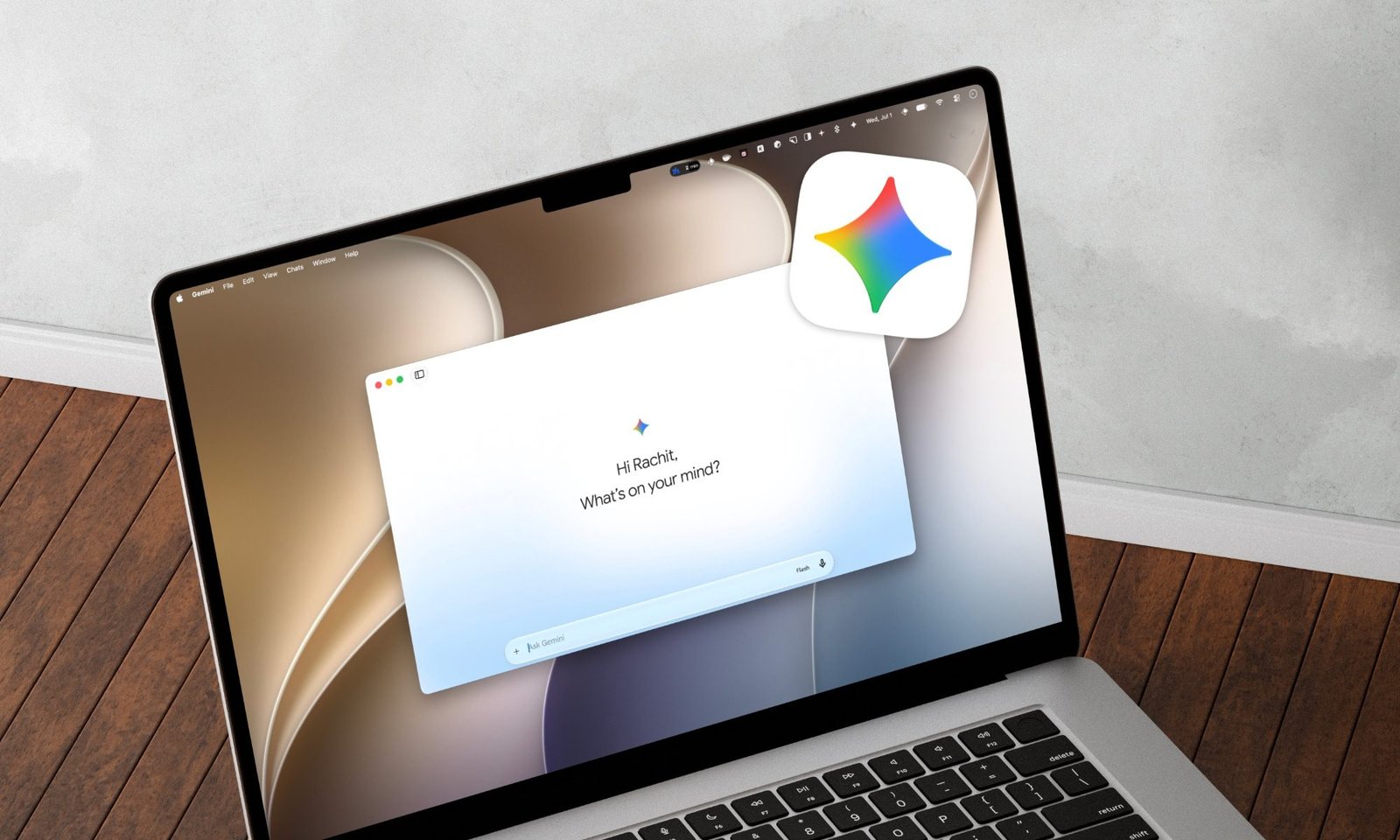
I let Gemini take care of my houseplants, and they’ve never looked better

Published

on

Gemini plant care

I was a serial plant killer. Then I handed my phone to Gemini.

By every reasonable measure, I am a serial plant killer. I’ve lost count of the pothos, the peace lilies, and the one very expensive fiddle-leaf fig that judged me silently for a month before giving up entirely. My problem was never a lack of love. It was that I’d either drown them out of guilt or forget they existed for a fortnight, with no middle ground.

So when I started leaning on Gemini for the odd everyday question, letting it babysit my plants wasn’t some grand plan. It happened almost by accident. Now my flat looks like something a person with their life together would own.

It started with a yellow leaf and a photo

The whole thing began the way most of my plant emergencies do: a leaf turning a color it definitely shouldn’t. Instead of doom-scrolling through contradictory Google searches like I usually would, I snapped a photo, handed it to Gemini, and asked what was wrong. What I got back was a proper answer — the first of many.

Gemini Live figured out I was loving my plants too much

The feature that really won me over was Gemini Live. Instead of trying to describe what I was seeing, I could simply point my phone at a struggling plant, snap a photo, and ask what was wrong. It would identify the plant, explain what it was noticing, and tell me what was most likely causing the problem.

One time, I noticed a few leaves turning yellow and immediately assumed I wasn’t watering the plant enough. I was already reaching for the watering can when Gemini pointed out the opposite: I’d actually been overwatering it. The soil was staying too wet, and my help was making things worse.

That completely changed how I look after my plants. I no longer have to guess whether I’m dealing with root rot, a nutrient deficiency, or something else entirely. I just take a photo, get an easy-to-understand explanation, and know what to try next. For someone who isn’t exactly a gardening expert, that’s been surprisingly reassuring.

I finally stopped killing things with kindness

The biggest lesson Gemini taught me had nothing to do with fertilizers or fancy plant care tricks. It was knowing when not to do anything. Before this, I thought being a good plant parent meant watering my plants whenever they looked a little sad.

Gemini helped me understand that every plant is different. The pothos sitting in my bright window, for example, dries out much faster than the one tucked away in a darker corner. Instead of following a rigid watering schedule, it encouraged me to check the soil first and only water when the plant actually needed it.

Looking back, I realized most of the plants I’d lost weren’t neglected — they were over-loved. Having something explain that in simple terms completely changed my approach. These days, I’m much more comfortable leaving my plants alone. Ironically, they’re healthier because of it.

The best plant care tip? Stop relying on your memory

My problem was never knowledge alone. It was consistency. I’d learn the right thing to do, only to completely forget to do it. So I started asking Gemini to help me build an actual schedule, plant by plant, and to remind me when things were due.

I can ask it to set reminders, and because it ties into the rest of Google’s world, those nudges actually reach me instead of dying in a notes app I never open. Every few days I get a prompt telling me which plants need checking. Instead of a chaotic once-a-month panic, watering has become a five-minute habit.

For someone who could never stick to a routine on their own, having one gently handed to me made all the difference. I even started using it for the bigger decisions. When I wanted to move a plant to a brighter spot, I asked whether the new window got too much harsh afternoon sun. When one outgrew its pot, I asked when and how to repot it without shocking the roots.

It’s like having a patient friend who happens to know a great deal about plants and never gets tired of my basic questions.

My plants finally found someone who understood them

I never planned on becoming someone who cared this much about plants. I just got tired of buying them, watching them slowly struggle, and eventually having to throw them away. Somewhere along the way, between asking Gemini why a leaf looked unhappy and letting it remind me when to water, I went from constantly replacing plants to actually keeping them alive.

Now my home is filled with greenery that is genuinely growing. And the best part is that I didn’t suddenly develop a magical green thumb. I just stopped guessing and started understanding what my plants actually needed.

If you’re someone who loves the idea of having plants around but somehow turns every new one into a rescue mission, this is probably the easiest place to start. Take a photo, ask a question, and let Gemini help you figure out what your plant is trying to tell you. For more on how AI can simplify everyday life, check out our guide to Google Gemini tips and tricks or read about the best AI apps for home organization.

Continue Reading

Trending