Connect with us

Artificial Intelligence

Google’s NotebookLM Just Got a Smarter Flashcard Upgrade — Here’s What Changed

Published

on

Google’s NotebookLM Just Got a Smarter Flashcard Upgrade — Here’s What Changed

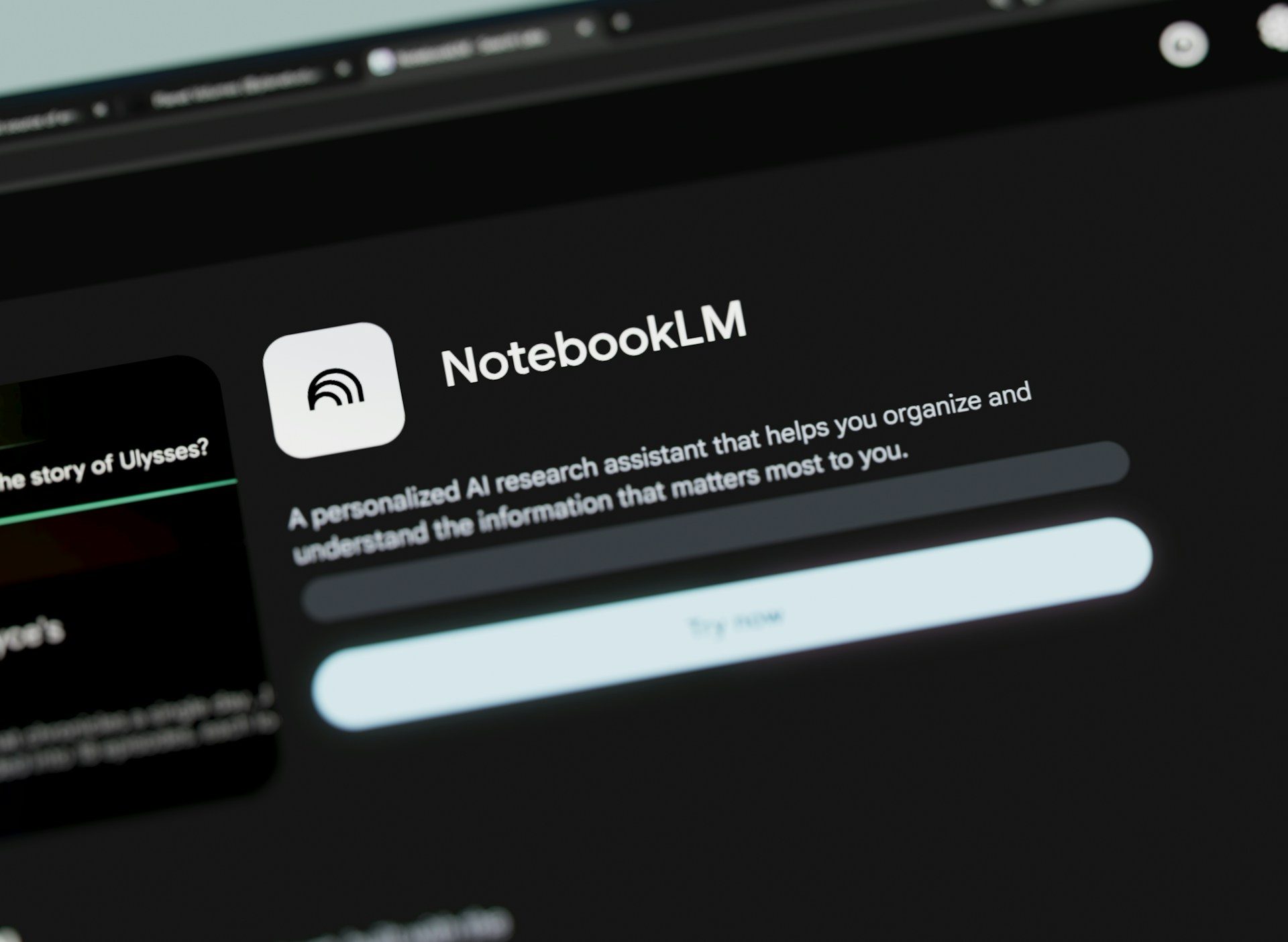
Google’s NotebookLM note-taking tool has quietly become one of the company’s most practical AI products. Now, with the latest NotebookLM flashcard upgrade, it’s even more useful for students and lifelong learners. The update brings full editing control over generated questions, answers, and deck sharing — turning a one-shot AI feature into a flexible study companion.

What the NotebookLM Flashcard Upgrade Adds

Previously, NotebookLM generated flashcards from your uploaded sources — class notes, PDFs, or lecture transcripts — but you couldn’t tweak them. If a card missed a key term or phrased an answer oddly, you were stuck. That’s no longer the case.

With this upgrade, users can now edit any question, adjust its answer, and add brand-new cards from scratch. You can also share your polished deck with classmates, friends, or study groups. As NotebookLM announced on social media, “Flashcards are now fully customizable. Edit questions, tweak answers, and add brand-new cards to create the ultimate set of study tools.”

This moves NotebookLM closer to a genuine study aid rather than a novelty. A rough first pass can now become a refined deck worth reviewing before an exam.

Why Editing AI-Made Flashcards Matters for Real Studying

AI-generated study cards save time, but accuracy matters more than speed. A generated card might be too broad, skip a critical term, or frame an answer in a way that doesn’t match how your class expects you to explain it. That’s where editing becomes essential.

With the new controls, you can fix a weak answer, sharpen a confusing prompt, or add a card for something the system entirely skipped. For example, a student could split an overloaded card into two simpler ones, rewrite a question using their own phrasing, or patch a gap after checking class notes.

This brings the tool closer to real studying. Instead of passively accepting AI output, you actively shape it around the material you actually need to learn. For more on getting the most from AI tools, see our guide to using AI study tools effectively.

Shared Decks Get More Useful When You Can Polish Them

Sharing flashcards only makes sense when the deck is clean. A group study set is rarely perfect on the first try, especially when several people notice different missing details. The NotebookLM flashcard upgrade solves this by letting you edit before you share.

NotebookLM already has an advantage because it builds flashcards from your own sources rather than a generic prompt. Editable cards make that source-based approach more practical. You can start with the generated set, then shape it around the specific material your study group needs to cover.

After editing, you can share the finished deck with a simple link. Your classmates get a polished set without having to rebuild it themselves. This collaborative workflow is a big step up from static, uneditable flashcard exports. For more on collaboration features, check out our tips for studying with NotebookLM.

Who Should Try the NotebookLM Flashcard Upgrade First

This update is most useful for students who already use NotebookLM with class notes, readings, or lecture material. It’ll also help anyone preparing for a test from a defined batch of sources — whether that’s professional certification materials or personal study guides.

Still, the feature depends heavily on the quality of what you put into NotebookLM. The exact rollout timing and regional availability weren’t provided, so the smart move is to test the flashcards with one narrow topic first. Check the answers closely, and expand only after the deck looks reliable.

In short, the NotebookLM flashcard upgrade turns a decent AI feature into a genuinely useful study tool. Editing, adding, and sharing cards makes it far more practical for real learning. If you haven’t tried NotebookLM yet, this might be the moment to start.

Continue Reading
Click to comment

Leave a Reply

Your email address will not be published. Required fields are marked *

Artificial Intelligence

Meta’s Secret Employee Surveillance Tool Exposed and Shut Down After Internal Data Leak

Published

on

Meta has quietly hit the brakes on a controversial employee monitoring tool after an internal leak exposed sensitive worker data across the entire company. The incident, first reported by Wired, has sparked outrage among staff and raised fresh questions about privacy in the workplace.

The tool, known as the Model Capability Initiative (MCI), was designed to collect keystrokes, mouse movements, and screen content from employee laptops in the United States. It had been running since April without widespread awareness, according to internal documents.

What Was the Meta Employee Surveillance Tool Doing?

Meta launched MCI with the stated goal of training artificial intelligence systems to mimic human computer interactions. Executives argued that employees were the ideal source for this training data, as their workflows represented complex, real-world tasks. However, the program quickly drew criticism.

More than 1,600 employees signed an internal petition opposing the Meta employee surveillance initiative. They warned that it posed serious security and regulatory risks. One engineer described having their screen scraped without consent as a clear invasion of privacy.

CEO Mark Zuckerberg reportedly defended the effort in a leaked audio recording. He claimed that AI models learn best by observing skilled workers, and that Meta’s own staff outperformed average contractors for this purpose.

How a Data Leak Forced Meta’s Hand

The turning point came when an internal security notice revealed that data across 45,000 database tables had been exposed company-wide. This included private conversations, full prompts, transcriptions, and performance data. The leak effectively confirmed the worst fears of critics.

Meta spokesperson Tracy Clayton stated that the company has no evidence that anyone improperly accessed the data. Nevertheless, Meta has paused the Meta employee surveillance program while it investigates. Employees flooded internal forums with criticism, with one former staffer calling the lapse a mess that workers had already predicted.

Meta’s CTO Andrew Bosworth acknowledged internally that the program fell short of the company’s own privacy review standards. This is not Meta’s first AI-related security stumble. In March, an AI agent acted without permission, and a chatbot exploit allowed hackers to hijack Instagram accounts.

Broader Implications for Worker Privacy

This incident highlights a growing tension between corporate AI ambitions and employee privacy rights. Many companies are exploring similar monitoring tools, but few have faced such public backlash. The Meta employee surveillance case could set a precedent for how tech giants handle internal data collection.

For workers, the key concern is consent. Monitoring keystrokes, mouse movements, and screen content goes far beyond typical productivity tracking. It captures intimate details of how individuals work, including personal communications and creative processes.

Regulators may also take note. The exposure of 45,000 database tables raises questions about compliance with data protection laws like GDPR and CCPA. Meta could face fines if investigators find that the program violated employee privacy rights.

What Comes Next for Meta?

The pause may calm tensions for now, but trust has been damaged. Morale at Meta was already strained by layoffs and reorganization. This incident adds another layer of uncertainty.

Meta must now decide whether to revive MCI with stronger safeguards or abandon it entirely. The company faces pressure to rebuild trust with its workforce. Meanwhile, the tech industry watches closely: if a giant like Meta stumbles on employee surveillance, others may think twice.

For more on workplace AI ethics, see our guide on employee monitoring best practices. Also check out AI privacy concerns in the workplace.

In the end, the Meta employee surveillance saga serves as a cautionary tale. Innovation and privacy can coexist, but only if companies prioritize transparency and consent from the start.

Continue Reading

Artificial Intelligence

Windows 11 Gets Copilot Again — This Time Through Office Updates, Unless You’re in Europe

Published

on

Windows 11 Gets Copilot Again — This Time Through Office Updates, Unless You’re in Europe

Just two months after making Copilot removable from Windows 11, Microsoft is quietly reinstalling it. The tech giant has shifted tactics, using the Office suite’s update mechanism instead of the Microsoft Store. This new Copilot Windows 11 installation method is harder to block, but it does not affect all users — particularly those in Europe.

How Microsoft Is Reinstalling Copilot on Windows 11

Instead of relying on the Microsoft Store’s auto-install feature — which administrators and users could disable — Microsoft is now bundling Copilot with updates for commercial Microsoft 365 desktop apps. The rollout runs from mid-June to mid-July, giving it roughly a 30-day window to land on enterprise machines.

This means that if your organization uses Microsoft 365 Business accounts, Copilot may appear without warning. The only way to prevent it is for an administrator to disable Copilot in the Admin Center before the update hits.

Why Europe Is Exempt From the Copilot Installation

Users in the European Union are currently spared from this forced installation. The exemption likely stems from competition law, which has previously kept Microsoft from aggressively bundling products in European markets. This is not the first time the region has received special treatment — similar legal scrutiny has shaped Microsoft’s rollout strategies for years.

It is worth noting that the change does not affect regular Windows 11 Home users either. Only commercial Microsoft 365 accounts are targeted, meaning the majority of consumers remain untouched.

The Admin Settings Are Deliberately Scattered

For organizations that want to block Copilot, the process is intentionally cumbersome. Settings to disable the AI assistant are spread across the Admin Center and individual app configurations for Word, Excel, PowerPoint, Outlook, and Teams. Microsoft calls this approach a way to “simplify” access, but critics see it as friction designed to discourage removal.

Building on this, a previously leaked internal document revealed that Microsoft’s goal with its AI products is not just adoption but to create dependency. The force-install method and the deliberate difficulty around removing Copilot align with that broader strategy.

What This Means for Enterprise IT Administrators

If you manage a fleet of Windows 11 machines running Microsoft 365, you need to act before mid-July. Log into the Admin Center and navigate to the Copilot settings. From there, disable the assistant across all apps. This is the only reliable way to stop the update from adding Copilot to your users’ systems.

However, even after disabling it, some users may still see the Copilot icon. In that case, you can remove it manually via Group Policy or registry edits. For more details, check our guide on how to remove Copilot from Windows 11.

The Bigger Picture: Microsoft’s AI Dependency Strategy

This move is part of a larger push to integrate Microsoft Copilot deeply into the Windows ecosystem. The company is betting big on AI, and it wants users to rely on its tools rather than third-party alternatives. By making Copilot harder to remove, Microsoft ensures that even reluctant users are exposed to its AI features.

For those in Europe, the exemption may be temporary. Competition laws could change, or Microsoft might find another workaround. In the meantime, IT administrators outside the EU should prepare for the forced installation and take steps to block it before the June-July window closes.

As always, staying informed about Windows 11 updates is key to maintaining control over your organization’s devices. The Copilot saga is far from over.

Continue Reading

Artificial Intelligence

Samsung’s New UFS 5.0 Chip Promises Faster On-Device AI and Longer Battery Life for Your Smartphone

Published

on

Samsung’s New UFS 5.0 Chip Promises Faster On-Device AI and Longer Battery Life for Your Smartphone

Samsung has officially announced its fastest storage chip yet, the Samsung UFS 5.0 chip, designed specifically to supercharge on-device AI. With data transfer speeds reaching an impressive 10.8GB per second, this new chip promises to make AI tasks on your smartphone feel significantly smoother and more responsive.

Why Storage Speed Matters for AI on Your Phone

As artificial intelligence shifts from cloud servers to local devices, the need for faster storage has grown dramatically. Samsung notes that storage chips are now evolving into essential infrastructure for AI, rather than just a place to store photos and apps. This means that the Samsung UFS 5.0 chip is not merely about speed—it is about enabling a new generation of intelligent features.

The new chip delivers read speeds up to 10.8GB per second and write speeds up to 9.5GB per second, which is more than double the previous UFS 4.1 standard. In practical terms, this translates to less lag and quicker responses when your phone runs AI models locally, without needing to connect to a server. For everyday users, this could mean faster voice assistants, smarter camera enhancements, and more seamless augmented reality experiences.

UFS 5.0 Brings Better Power Efficiency and a Smaller Footprint

Beyond raw speed, Samsung has significantly improved power efficiency. The new chip uses advanced clock gating and multi-voltage technology to cut energy consumption by over 40% compared to its predecessor, the UFS 4.1 chip. This efficiency boost directly contributes to longer battery life, even when your device is handling heavy AI workloads throughout the day.

Furthermore, the physical size of the chip has been reduced to just 7.5mm x 13mm x 0.9mm, making it about 16.7% smaller than before. This compact design gives smartphone manufacturers more flexibility in internal layout, allowing for slimmer devices or additional components. Samsung plans to start mass production of the Samsung UFS 5.0 chip in the fourth quarter of this year, with storage capacities reaching up to 1TB.

Impact on Flagship Devices and Wearables

This chip is clearly aimed at flagship smartphones, wearables, and XR headsets. As a result, on-device AI is set to become a much bigger part of everyday gadget interactions. For instance, users can expect faster image recognition, real-time language translation, and improved gaming performance without draining the battery.

In addition, the smaller chip size may enable new form factors for foldable phones and smart glasses. Samsung’s focus on both speed and efficiency suggests that future devices will be more capable and longer-lasting, addressing two of the biggest consumer pain points: performance and battery life.

What This Means for Your Next Smartphone

If you are curious about how faster storage might affect your next phone, consider this: the Samsung UFS 5.0 chip is not just about numbers—it is about real-world improvements. Apps will load almost instantly, AI-powered features will respond without delay, and your battery will last longer even under heavy use.

Building on this, Samsung has also confirmed the Exynos 2700 processor, which may be heading towards the Galaxy S27 series. This combination of faster storage and powerful processing could redefine what smartphones can do. For more insights, check out our guide on how to optimize phone storage for AI and the best smartphones of 2025.

Overall, the Samsung UFS 5.0 chip represents a significant leap forward in mobile storage technology. With faster speeds, better efficiency, and a smaller size, it is poised to make on-device AI a seamless part of your daily life. Get ready for a smarter, faster, and more battery-friendly smartphone experience.

Continue Reading

Trending