The Control Panel is dying, but not everything made it out
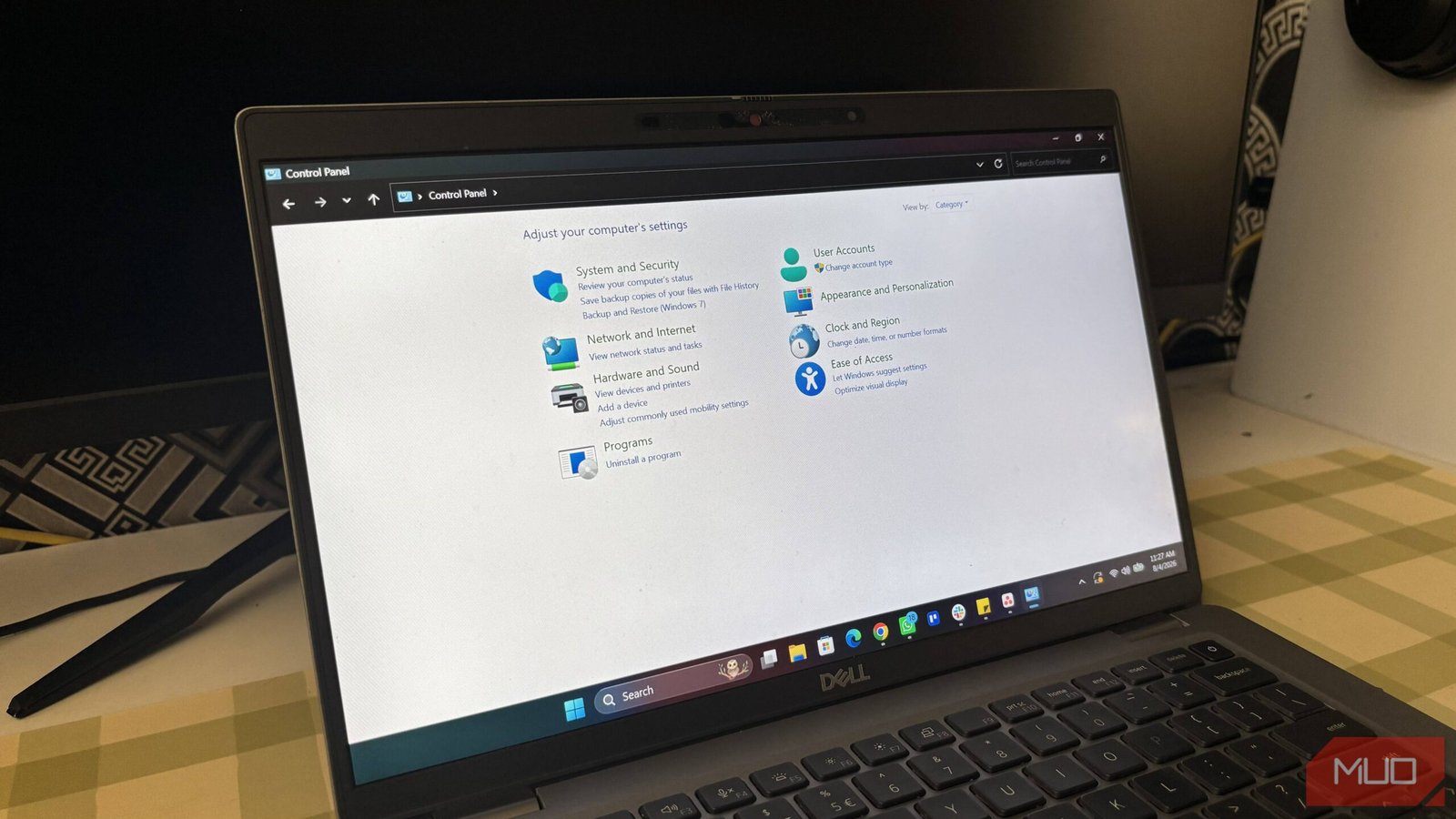
Microsoft has been clear about its intentions. The Control Panel is on its way out, replaced by the modern Settings app in Windows 11. But here’s the thing — the transition is far from complete. Several essential tools remain stranded in the old interface, and users are left to hunt for them.
It’s not just about nostalgia. Some of these features are genuinely important for power users, IT admins, and anyone who likes to tweak their system beyond the basics. So if you’ve been wondering where certain options went, you’re not alone.
Let’s look at the five most critical features that Microsoft hasn’t moved over yet.
1. Uninstall programs — the old way
The Settings app has its own “Apps & Features” section, and it works fine for basic removals. But it’s missing some details that the Control Panel’s “Programs and Features” list still provides.
In the classic view, you can see the installed date, version, and publisher at a glance. You can also access the repair or change options for many applications — something that the Settings app doesn’t always offer. For troubleshooting, that’s a big deal.
To get there, type “appwiz.cpl” in the Run dialog (Win + R). It’s still there. It just doesn’t have a home in the new interface.
2. Advanced system properties
This is the big one. The “System Properties” window — accessible via “sysdm.cpl” — holds several critical settings that you simply can’t reach through Windows 11’s Settings app.
Need to adjust virtual memory? That’s here. Want to configure the system restore point? Also here. Environment variables? You guessed it.
Microsoft has moved some of these options into Settings, but the advanced tab is still missing. For anyone who works with development tools or just wants to tweak performance settings, this is an essential tool that hasn’t been replaced.
3. Network adapter settings
Windows 11’s Settings app has a decent network section. You can see your Wi-Fi status, change IP settings, and even reset your network stack. But the old “Network Connections” page (accessible via “ncpa.cpl”) still offers more granular control.
For example, you can right-click a network adapter, disable it, or change its properties — things like setting a static IP, configuring DNS, or enabling QoS. The Settings app lets you do some of this, but it’s clunkier and doesn’t offer the same level of detail.
If you’re managing multiple network profiles or troubleshooting connectivity issues, the old dialog is still your best friend.
4. Device Manager’s hidden options
Device Manager itself is already in Windows 11, but it’s a bit of a hidden gem. You can open it from the Start menu, but the Settings app doesn’t link to it directly — you have to search for it.
More importantly, the Control Panel version gives you access to some advanced features that are buried in the Settings app. For example, you can view hidden devices, update drivers from a specific folder, or roll back to a previous driver version.
These are things you can do in the Settings app too, but they’re not as straightforward. For power users, the old Device Manager remains the better tool.
5. Administrative Tools
The “Administrative Tools” folder in the Control Panel is a collection of shortcuts to various system utilities — Event Viewer, Disk Cleanup, Performance Monitor, and more.
Windows 11 has scattered these tools across different places in the Settings app, but there’s no single, unified location. The old folder still exists, and it’s still the fastest way to access all of them at once.
You can find it by typing “control admintools” in the Run dialog. It’s a small thing, but it saves a lot of time if you’re constantly jumping between these utilities.
Why the migration is taking so long
Microsoft’s approach has been gradual, and that’s probably intentional. Moving every feature at once would be a massive undertaking, and it risks breaking compatibility with third-party apps that rely on the old interfaces.
But the result is a fragmented experience. Users have to remember which settings are in the new app and which are still in the old one. It’s not ideal, and it’s a common source of frustration.
The company has said it’s committed to the transition, but there’s no official timeline for when the Control Panel will be completely retired. For now, the old tools remain, and they’re still essential.
What can you do about it?
If you rely on these features, the best approach is to create shortcuts to the old dialogs. Pin them to your taskbar or Start menu, and you won’t have to hunt for them.
You can also use the Windows 11 power user menu (Win + X) to access the Control Panel options quickly, though it’s a bit hidden.
And if you’re curious about other Windows 11 hidden features, there are plenty of tricks to make the OS work better for you.
The Control Panel isn’t gone yet. But when it finally disappears, these five features will need a new home. Hopefully, Microsoft will figure that out before it’s too late.







 CyberSecurity5 months ago
 How To4 months ago
 CyberSecurity6 months ago
 CyberSecurity5 months ago
 Social Media5 months ago
 Infosecurity5 months ago
 CyberSecurity5 months ago
 Video4 months ago