Connect with us

How To

WhatsApp’s 3 Major Call Upgrades: Screen Sharing, 32-Person Calls & Better Audio

Published

on

WhatsApp is Supercharging Your Calls

Think about your last important WhatsApp call. Was the audio crackly? Did you wish you could show someone your screen? For millions, WhatsApp calls are a daily lifeline to family, friends, and colleagues. Now, Meta is addressing those pain points head-on with a substantial upgrade. The platform is set to release three powerful new features designed to make your audio and video calls clearer, more collaborative, and capable of handling bigger groups. This isn’t just a minor tweak—it’s a deliberate move to make WhatsApp a serious contender for all your communication needs.

1. Share Your Screen, Complete with Sound

Remember scrambling to explain something over a call, wishing you could just show the other person your phone? That frustration is about to end. WhatsApp is introducing full screen sharing, a feature previously reserved for beta testers. During any video or audio call, you’ll find a new button to broadcast your mobile or desktop screen to everyone on the call.

This has immediate, practical uses. Helping a parent navigate a new app becomes a visual walkthrough. Collaborating on a document with a teammate turns into a live editing session. The killer feature? It shares system audio. Play a video, a song, or a presentation, and the sound transmits directly through the call. Suddenly, impromptu watch parties or remote troubleshooting just got a whole lot easier.

Beyond Personal Use

While perfect for personal moments, this feature blurs the line into professional territory. Small teams can now hold quick stand-up meetings or review designs without switching to another app. Educators can conduct mini-tutorials. The need for a separate conferencing app like Zoom for simple tasks is rapidly diminishing.

2. The Party Just Got Bigger: Calls for 32

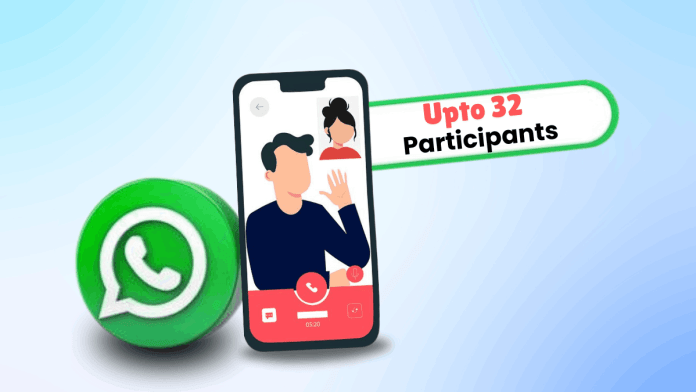
WhatsApp’s previous eight-person call limit often felt restrictive. Planning a virtual family gathering? A brainstorming session with a medium-sized team? You’d quickly hit a wall. That wall has been demolished. WhatsApp now supports voice and video calls with up to 32 participants.

This expansion is a game-changer for community groups, extended families, and small businesses. Hosting a virtual book club, coordinating a volunteer group, or conducting a team check-in can all happen within the familiar WhatsApp interface. To manage the potential chaos, WhatsApp will visually highlight the current speaker, making it easier to follow conversations in a crowded virtual room.

3. Crystal Clear Calls, Even on Spotty Networks

We’ve all been there. You’re in the middle of an important conversation when the audio cuts in and out, becoming robotic and unintelligible. Network fluctuations have long been the Achilles’ heel of VoIP calls. WhatsApp’s engineers have been working on a solution.

The upcoming update will integrate a new audio codec called MLow. In simple terms, this technology is smarter at handling imperfect internet conditions. It prioritizes voice clarity, actively suppresses background noise and echo, and optimizes bandwidth use. The result? More stable, intelligible calls even when your signal isn’t perfect. Pair this with a strong connection, and you should experience a noticeable jump in overall call quality, making those long-distance chats feel much closer.

When Can You Get These Features?

Mark your calendar. These three features are slated for a global rollout starting in the third week of June. They won’t magically appear; you’ll need to update your WhatsApp application through your device’s app store. It’s always a good idea to enable automatic updates or manually check for the latest version to access the improvements immediately.

What does this mean for you? WhatsApp is no longer just a texting app with call capabilities. With screen sharing, large group calls, and enhanced audio, it’s positioning itself as a unified communications hub. Whether you’re planning a movie night with a friend, leading a project team, or catching up with your entire family abroad, your go-to app just became significantly more powerful. The distance between people, it seems, is about to get a little smaller.

Continue Reading
Click to comment

Leave a Reply

Your email address will not be published. Required fields are marked *

How To

Vivo X Fold 5 Specs Leak: Big Battery, Snapdragon 8 Gen 3, and Triple 50MP Cameras

Published

on

Vivo X Fold 5: The Leaked Details

Foldable phones are about to get a serious power upgrade. A wave of leaks has painted a detailed picture of Vivo’s upcoming flagship, the X Fold 5. Skipping the number four entirely—a nod to cultural superstitions in China—Vivo appears ready to launch a device packed with headline-grabbing specs aimed squarely at the premium market.

What can you expect? Think a colossal battery, a top-tier processor, and a camera system that doesn’t compromise. This isn’t just an incremental update; it’s a statement of intent for the foldable segment.

Display and Design: Slimmer, Sleeker, Smoother

Foldables often face a trade-off between screen size and portability. The X Fold 5 seems determined to break that mold. When unfolded, you get a spacious 8.03-inch AMOLED inner display with a crisp 2K resolution. It promises buttery-smooth visuals thanks to a 120Hz refresh rate, perfect for immersive gaming or movie marathons.

Need to use it one-handed? The 6.53-inch outer cover screen, also a 120Hz LTPO OLED panel, provides a premium smartphone experience without unfolding. The real engineering feat is in the dimensions. Unfolded, it’s whisper-thin at just 4.3mm. Folded, it measures a still-manageable 9.3mm. This suggests a device that’s powerful without being a brick in your pocket.

Powerhouse Performance and Battery Life

Under the hood, the Vivo X Fold 5 is rumored to run on the Qualcomm Snapdragon 8 Gen 3 processor. This is the same chip powering many of 2024’s top-tier flagship phones, ensuring blistering speed for everything from multitasking to graphics-intensive games. It’s expected to be paired with a generous 16GB of RAM and 512GB of storage, leaving plenty of room for apps, photos, and 4K video.

But the standout feature might be the battery. Leaks point to a massive 6000mAh capacity, which would be one of the largest ever seen in a foldable phone. Pair that with 90W wired fast charging and 30W wireless charging, and you have a device built to last through the busiest days without constantly hunting for an outlet.

Camera System and Key Features

Vivo isn’t cutting corners on photography. The rear camera array is said to feature a triple 50MP setup. The primary sensor is tipped to be a Sony IMX921, joined by a 50MP ultra-wide lens with autofocus and a 50MP Sony IMX882 telephoto lens offering 3x optical zoom. This configuration promises versatility, from expansive landscapes to detailed portraits.

For selfies and video calls, you get dual 32MP cameras—one on the outer cover display and one on the inner folding screen. Other practical features include a side-mounted fingerprint scanner for quick unlocking and a three-stage alert slider for instantly managing notifications. While an IP rating for water resistance is confirmed, the exact level remains a mystery for now.

Reports also indicate Vivo will launch only a standard X Fold 5 model this cycle, with no Pro variant planned. For Indian consumers and foldable enthusiasts globally, the wait for an official announcement may soon be over. Based on these leaks, Vivo is crafting a device that aims to be both a technological powerhouse and a genuinely practical daily driver.

Continue Reading

How To

FansyU Dating App: What It Is and How to Get Started

Published

on

FansyU Dating App: What It Is and How to Get Started

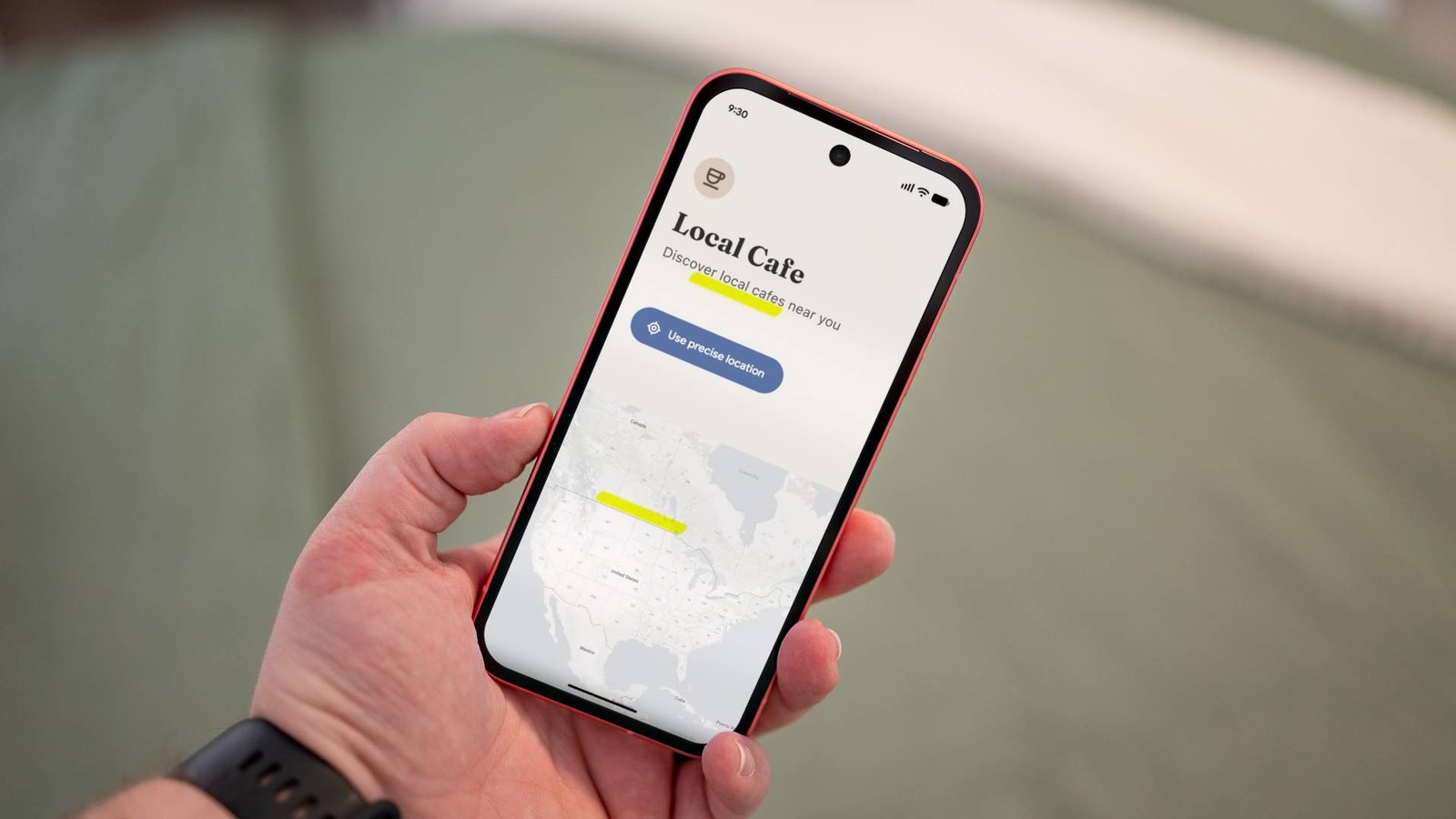
Looking to expand your social circle or meet new people nearby? There’s an app for that. FansyU has emerged as a popular choice for Android users seeking casual connections and friendships. It’s designed to be straightforward, putting the focus on meeting others rather than complicated features.

Think of it as a digital introduction service. You can connect with people you might not encounter in your daily routine. While many apps promise similar experiences, FansyU has carved out its own space in the mobile dating scene. Ready to see what it’s about?

Understanding the FansyU App Experience

FansyU is an Android application built for social discovery. Its core function is simple: facilitate connections between users. The interface is generally user-friendly, aiming to minimize the friction between downloading the app and starting a conversation.

Why choose this app over others? For many, its appeal lies in its direct approach. It doesn’t overcomplicate the process of finding and chatting with new people. In a world full of complex social platforms, sometimes a simple tool is exactly what someone needs to break the ice.

How to Download and Install FansyU

Getting started with FansyU is a quick process. Since it’s an Android app, you’ll find it available on platforms like the Google Play Store. Always ensure you’re downloading from an official source to protect your device and personal information.

The installation follows the standard Android procedure. Tap the install button, grant the necessary permissions (always review these carefully), and wait for the download to complete. Within minutes, the app icon should appear on your home screen or app drawer, signaling it’s ready to set up.

Using the App Safely and Responsibly

It’s crucial to approach any social app with a measure of caution. FansyU, like all platforms connecting strangers, requires users to be mindful of their interactions. Never share sensitive personal information like your home address, financial details, or passwords with someone you’ve just met online.

Trust your instincts. If a conversation feels uncomfortable or a user’s requests seem suspicious, it’s perfectly okay to disengage and block them. The app is meant for entertainment and socializing, but your safety should always come first. Meeting in public places for any in-person gatherings is a standard, non-negotiable safety practice.

Remember, the connections you make are with real people. A bit of common sense and respect goes a long way in creating a positive experience for everyone involved.

Final Thoughts on Navigating Social Apps

Apps like FansyU highlight how technology continues to reshape how we meet and interact. They offer a convenient portal to a wider social world, breaking down geographical barriers with a few taps on a screen.

Whether you’re looking for friendship, casual chat, or something more, the key is to manage your expectations and prioritize your digital well-being. Start slow, get a feel for the community, and don’t feel pressured to share more than you’re comfortable with. The digital social scene is what you make of it.

Continue Reading

How To

Android 16 QPR1 Beta 1.1 Fixes Critical Pixel Bugs

Published

on

Android 16 QPR1 Beta 1.1 Fixes Critical Pixel Bugs

Google just pushed out a crucial update for Pixel users in the Android Beta program. Android 16 QPR1 Beta 1.1 arrives just two weeks after Google I/O 2025, packing a small but significant payload of bug fixes. This isn’t a flashy feature drop—it’s a stability patch designed to smooth out the rough edges for testers.

The update, carrying build number BP31.250502.008.A1 and the May 2025 security patch, is remarkably lean. For the Pixel 9, it’s a mere 7.28MB download. That tiny size tells you everything: this release is all about refinement.

What’s Actually Fixed in This Update?

Beta software always comes with quirks, and QPR1 was no exception. Google’s latest release tackles several annoying issues that were disrupting the daily Pixel experience.

One of the most frustrating bugs involved navigation. Users reported that the back, home, and overview buttons would sometimes become unresponsive within the app drawer. That glitch is now history. Another major headache was the Settings app crashing, particularly when users tried to access the battery menu. That instability has been resolved.

Have you ever tried to apply a wallpaper effect only to have the process crash? That bug has been squashed. The lock screen was another trouble spot. The media player was displaying incorrect progress, and the date would get cut off when using the wide clock style. Both of these visual hiccups have been corrected.

Fingerprint and Interface Improvements

A particularly pesky issue affected multi-user devices. When the phone entered low battery mode, fingerprint authentication could fail, locking users out of a primary phone function. This update restores reliable fingerprint unlocking across all power states.

The polish extends to smaller interface elements. A visual bug causing the search button to display the wrong color during scrolling has been fixed. In dark mode, album labels in the photo picker were too dark to read clearly; they now have proper contrast. Even the home screen gets attention—the date, which sometimes vanished, should now stay reliably in place.

Is Your Pixel Eligible for the Update?

This beta update casts a wide net, supporting nearly every Pixel model from the last four generations. If you’re enrolled in the Android Beta for Pixel program, your device should receive an over-the-air (OTA) notification soon.

The full list of supported devices includes:

  • Pixel 6 series (6, 6 Pro, 6a)
  • Pixel 7 series (7, 7 Pro, 7a)
  • Pixel 8 series (8, 8 Pro, 8a)
  • Pixel 9 series (9, 9 Pro, 9 Pro XL, 9 Pro Fold, 9a)
  • Pixel Fold
  • Pixel Tablet

To manually check, navigate to Settings > System > Software update > Check for updates. The installation process now features a new wavy progress bar, giving you a clearer visual indication of the update’s status.

Why This Update Matters for Beta Testers

Software betas are a trade-off. You get early access to new features, but you often deal with instability. Updates like QPR1 Beta 1.1 are the payoff for that patience. They transform a buggy preview into a usable daily driver.

By addressing crashes in core apps like Settings, fixing fundamental navigation, and restoring reliable biometric security, Google is significantly improving the quality of life for its beta community. These fixes might seem minor in a changelog, but they have a major impact on how the phone feels to use every day.

For anyone testing Android 16, installing this OTA is a no-brainer. It represents a direct upgrade in stability and performance without any downsides. It’s the kind of update that makes beta testing worthwhile.

Continue Reading

Trending