Connect with us

Artificial Intelligence

Tarot Card Readers Are Turning to ChatGPT for Divination: Inside the AI Shift

Published

on

Tarot Card Readers Are Turning to ChatGPT for Divination: Inside the AI Shift

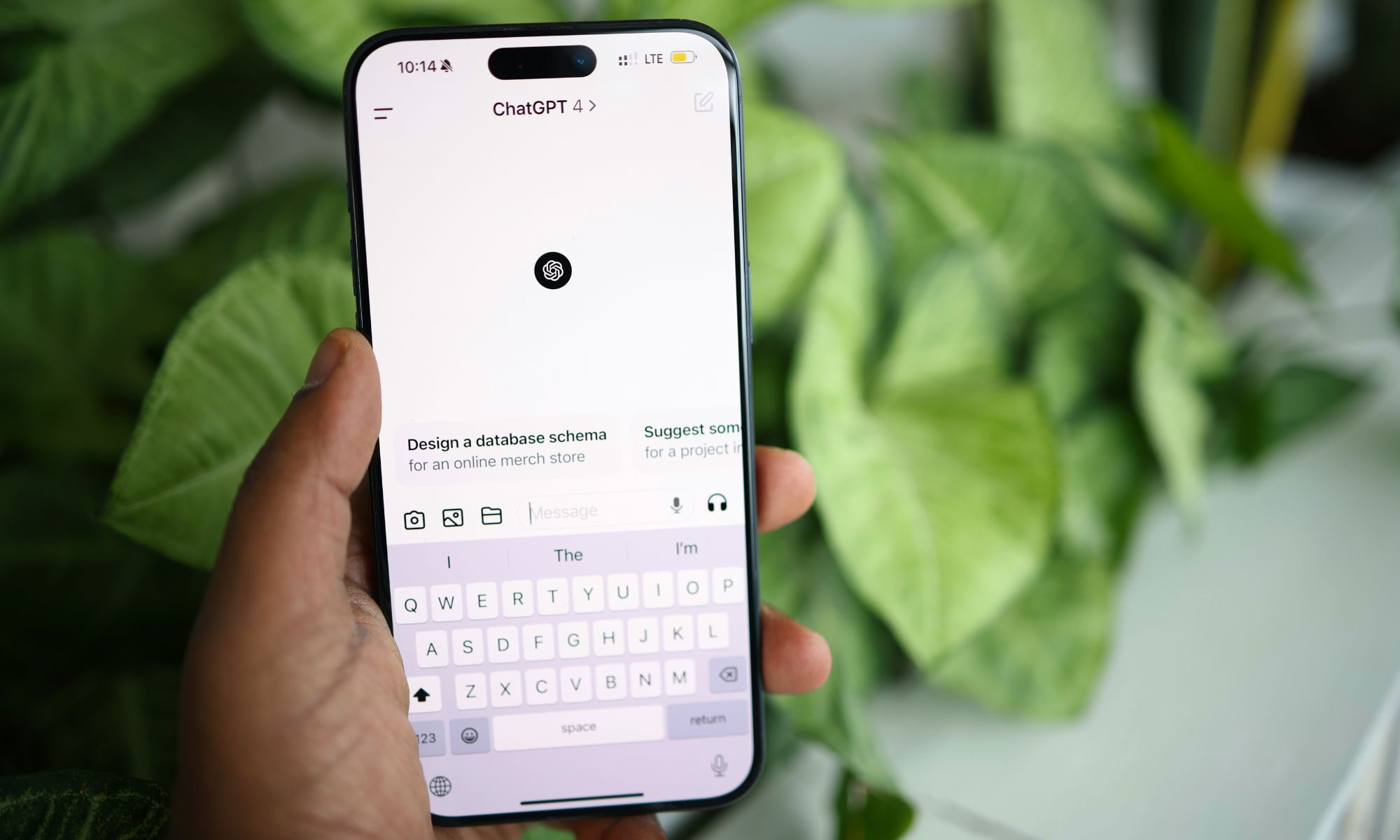
Artificial intelligence has quietly slipped into some of the most emotionally charged corners of life. From composing eulogies to creating chatbots that mimic the deceased, AI now touches grief, memory, and meaning. The latest frontier? Tarot card readings. A 2026 study reveals that tarot practitioners are increasingly using ChatGPT for divination, seeking its help to interpret personal, symbolic, and often unresolved questions. This shift moves far beyond productivity hacks, landing squarely in the realm of spiritual guidance.

Why Tarot Readers Turn to AI for Interpretation

The study identified two primary patterns among practitioners who adopt AI. Some use ChatGPT as a shortcut when a spread feels tangled, especially when cards point in conflicting directions. Tarot thrives on ambiguity, but interpretation can be slow and mentally draining. A chatbot steps in, taking clashing symbols and returning a response that sounds clean, complete, and ready to believe.

However, the seduction of certainty comes with a cost. A reading works because it leaves room for doubt, self-reflection, and competing meanings. ChatGPT does not know the full emotional history behind the question, even when its answer sounds confident. As a result, the handoff between human intuition and machine logic can feel uneasy.

The Risk of Over-Reliance on AI in Spiritual Practices

The problem starts when clean becomes too clean. Tarot asks people to sit with uncertainty, but ChatGPT is built to turn messy inputs into a confident answer. This tension is not unique to tarot. The same instinct runs through grief tech, faith-adjacent AI, and private decision-making. People are not only asking chatbots to organize life anymore; they are asking them to help make sense of it.

Tarot makes this shift easier to see because the work is openly symbolic. A reader pulls cards, weighs context, and looks for meaning in the tension between possible interpretations. When AI steps in too heavily, it risks short-circuiting that process. For more on how AI is reshaping personal rituals, check out our analysis of AI in grief technology.

Using ChatGPT as a Tool, Not an Authority

Interestingly, the study also found a more careful use case. Some readers asked AI to challenge their assumptions, compare readings, and surface blind spots. In those moments, the useful part was not certainty—it was resistance. By offering alternative interpretations, ChatGPT can help practitioners see angles they might have missed.

This approach keeps the reader in the loop. The bot offers a possible interpretation, but the person still weighs it against the cards, the spread, the question, and their lived context. A safer approach, therefore, treats AI as a collaborator, not a final authority. For guidance on integrating AI responsibly into personal practice, see our guide on ethical AI in spirituality.

Who Gets the Final Say in a Divination?

The line to watch is control. ChatGPT can add another angle, but it should not become the authority that ends the reading. The distinction reaches beyond tarot. As AI slips deeper into grief, faith, advice, and memory, the practical rule is simple enough: let it widen the question before you let it close one.

Ultimately, the study underscores a broader trend. Technology is not just organizing our lives; it is helping us interpret them. For those seeking balance, the key is to embrace AI as a tool for exploration, not a shortcut to answers. To explore how other spiritual communities are adapting, check out our report on AI in modern religion.

In the end, the best use of ChatGPT for divination may be as a mirror—reflecting back possibilities rather than dictating outcomes. The human heart, after all, still holds the final card.

Continue Reading
Click to comment

Leave a Reply

Your email address will not be published. Required fields are marked *

Artificial Intelligence

Microsoft Brings Tab Intelligence to Edge Browser, and I Dearly Wish Apple Would Add It to Safari

Published

on

Microsoft Brings Tab Intelligence to Edge Browser, and I Dearly Wish Apple Would Add It to Safari

Managing browser tabs is a universal struggle. You open one link, then another, and before you know it, you have 15 tabs scattered across your screen. Finding the right one becomes a guessing game. This happens to me constantly, despite using tab groups, bookmarks, and extensions to stay organized.

However, if you use Microsoft Edge, relief is here. The latest Edge update introduces a tab intelligence feature powered by Copilot. It reads across all open tabs to answer your questions without manual searching. As someone who relies on Safari daily, I can’t help but wish Apple would bring something similar to its browser.

What Can Tab Intelligence Do for You?

With this update, Copilot can scan every open tab simultaneously. Imagine planning a vacation: you have tabs for flights, hotels, restaurants, and attractions. Instead of toggling between them, you simply ask Copilot a question. It pulls relevant details from each tab and presents a consolidated answer.

No setup is required. Click the Copilot icon, type your query, and get instant results. The AI understands context across tabs, so you can ask, “What’s the best-rated restaurant from my research?” and it knows exactly where to look.

How It Handles Browsing History

The feature goes further. With your permission, Copilot can reference your browsing history and past chats. If you researched a topic three days ago and return today, it connects those dots. This means you don’t lose momentum when picking up old projects.

This is a massive time-saver for heavy researchers, shoppers, or anyone juggling multiple tasks online. Yet, as a Mac and iPhone user, I feel left out.

Why Safari Needs This Feature

Safari is a polished browser, but Apple Intelligence has been slow to deliver meaningful updates. A tab intelligence feature that lets you ask Siri to compare information across open tabs would transform my workflow. For instance, when comparing product specs or reading multiple articles, I waste minutes switching tabs.

Apple has the technology—Siri, machine learning, and on-device AI—but hasn’t integrated it into Safari. Meanwhile, Edge users enjoy seamless tab management. As someone who values productivity, I find this gap frustrating.

How Tab Intelligence Boosts Productivity

Think about common scenarios: planning a trip, researching a purchase, or studying for an exam. Each involves multiple tabs. Without tab intelligence, you manually scan each page, copy details, and compare. With it, you ask one question and get a summary.

This isn’t just a convenience—it’s a productivity boost. Studies show that context switching between tabs reduces focus and increases mental fatigue. By consolidating information, Copilot helps you stay in the flow.

For Edge users, this feature is already live. For Safari users, it remains a wish. Apple has the resources to build it, but time will tell if they prioritize it.

Final Thoughts: A Call for Apple to Act

Microsoft’s tab intelligence is a practical innovation that addresses a real pain point. While Edge gains this edge, Safari lags behind. I hope Apple takes note and integrates similar AI capabilities into its browser. Until then, I’ll be watching from the sidelines, hoping for an update that makes tab management effortless.

In the meantime, if you’re a heavy tab user, consider trying Edge for its Copilot browser feature. Or, if you stick with Safari, explore third-party extensions to bridge the gap. But nothing beats native integration.

Continue Reading

Artificial Intelligence

Google is reportedly prepping a powerful new Gemini AI model to outsmart ChatGPT

Published

on

Google is reportedly prepping a powerful new Gemini AI model to outsmart ChatGPT

Google may be preparing to unveil a new Gemini AI model at its I/O developer conference on May 19. According to recent reports, the timing is aggressive, with the release expected to rival OpenAI’s upcoming GPT-5.5 class. However, the model is still said to trail behind Anthropic’s Mythos, which is currently shaping the frontier-model conversation in the industry.

But raw performance isn’t the only challenge. A strong model can grab headlines, but developers don’t rebuild their workflows just to chase leaderboard scores. They switch tools when those tools save time, reduce cleanup, and survive real projects without becoming another tab to manage.

Can Gemini win developers back?

Coding is the pressure point. Google is walking straight into the area where developers can tell within minutes whether a model is genuinely useful or merely polished for a keynote. That skepticism belongs in coding because AI has already crossed from novelty into daily work infrastructure.

For the Gemini AI model to succeed, it has to feel faster, steadier, and more useful inside real projects. Developers won’t switch because Google says the model got smarter. They’ll switch when the cleanup bill gets smaller. As a result, the company’s I/O event—running from May 19 to 20—will be a crucial stage. Google’s developer preview says the event will cover agentic coding and Gemini model updates, putting the company’s AI ambitions directly in front of the people most likely to judge them hard.

Can agents survive real work?

Google has already built a runway for agents. At Cloud Next, it introduced the Gemini Enterprise Agent Platform for building, scaling, governing, and optimizing agents, with orchestration, identity, observability, and security features folded into the stack. That sounds serious, and it gives Google more credibility than a loose collection of AI demos.

Still, agent demos are cheap now. The real test is messy work: multi-step tasks, bad inputs, unclear goals, and moments where the model has to recover without constant hand-holding. Therefore, the Gemini AI model must prove itself in these chaotic environments to earn developer trust.

Will ChatGPT feel less automatic?

Google’s real fight is default behavior. Developers, power users, and regular subscribers already have AI routines, and Gemini has to interrupt those habits with obvious utility. ChatGPT and Claude already sit in the mental shortcut layer for many AI users, while Google is still trying to make Gemini feel unavoidable.

The rumored model can help only if it makes Gemini the first place people go for coding, research, and agentic work. Google has one clean job at I/O: show a Gemini that saves time, writes useful code, and runs agentic tasks with less babysitting. Anything less is another respectable model in a market that already has too many of them.

In addition, Google must address the growing competition from OpenAI’s ChatGPT, which continues to dominate the consumer and developer space. The new Gemini AI model could be a turning point if it delivers on speed, reliability, and practical utility.

Building on this, the developer community is watching closely. They want a model that doesn’t just perform well in benchmarks but also integrates seamlessly into existing workflows. Google’s challenge is to make Gemini the default choice, not just another option.

Continue Reading

Artificial Intelligence

Googlebook Transition: Which Chromebooks Will Get the Upgrade?

Published

on

Chromebook Googlebook Transition: What You Need to Know

Google is preparing to launch its new Googlebook platform this year, but not every Chromebook will make the jump. In a recent interview with Chrome Unboxed, Google VP John Maletis confirmed that select Chromebooks will receive a firmware update enabling a transition to Googlebook-style software. This shift moves Google’s laptop strategy toward an Android foundation, with Gemini AI integrated more deeply and Android apps running without the traditional emulation layer.

However, the company has remained tight-lipped about specific models, rollout timing, and whether upgraded Chromebooks will match the capabilities of new Googlebook hardware. For now, owners are left waiting for clarity.

Which Chromebooks Will Get the Googlebook Upgrade?

The central question revolves around compatibility. Google has confirmed a firmware path for some devices but hasn’t published a definitive list. The first Googlebook devices are positioned as premium machines, and Google is working with partners like Lenovo, Acer, ASUS, HP, and Dell on requirements covering processors, memory, storage, and keyboard layouts.

Building on this, eligibility shouldn’t be treated as a given across the entire Chromebook lineup. Older or budget models may lack the hardware necessary for the transition. Google has not yet disclosed which processors or memory configurations will qualify, leaving many users in a holding pattern.

As a result, the practical advice is to avoid assuming any current Chromebook is future-proof. Wait for Google to publish model-specific guidance before making purchasing decisions based on the Googlebook transition.

What Happens to ChromeOS During the Googlebook Transition?

Googlebook doesn’t spell the end of ChromeOS overnight. Google has stated that existing Chromebooks will continue to receive their promised support windows, including the 10-year update commitment that could carry some devices through 2034. This is a critical point for anyone managing laptops in schools, homes, or workplaces.

Furthermore, Google still has Chromebook and Chromebook Plus devices in the pipeline. Owners who miss the Googlebook switch won’t suddenly lose updates or support. The company also expects familiar ChromeOS features—such as virtual desks, Quick Insert, and screen recorder—to carry over in some form to the new platform.

This means that even if your device isn’t eligible for the upgrade, it won’t become obsolete immediately. The transition is gradual, and Google is balancing innovation with stability for existing users.

When Will the Chromebook Googlebook Transition Start?

Google hasn’t shared a public rollout schedule, but the transition won’t hit every market at the same time. According to the source, consumer devices will move first, while education and enterprise segments will take a more cautious path to protect stability and management tools.

For now, the best course of action is patience. Some devices will get a path into the Googlebook era, while others will remain on the ChromeOS track they already have. Google is expected to publish model-specific guidance in the coming months, so keep an eye on official announcements.

If you’re considering a new laptop, check out our guide on how to choose the right Chromebook for your needs. For more on Google’s software strategy, read our analysis of how Gemini AI is reshaping laptop experiences.

Continue Reading

Trending